

Tool Interface Preview
ROCE Calculator
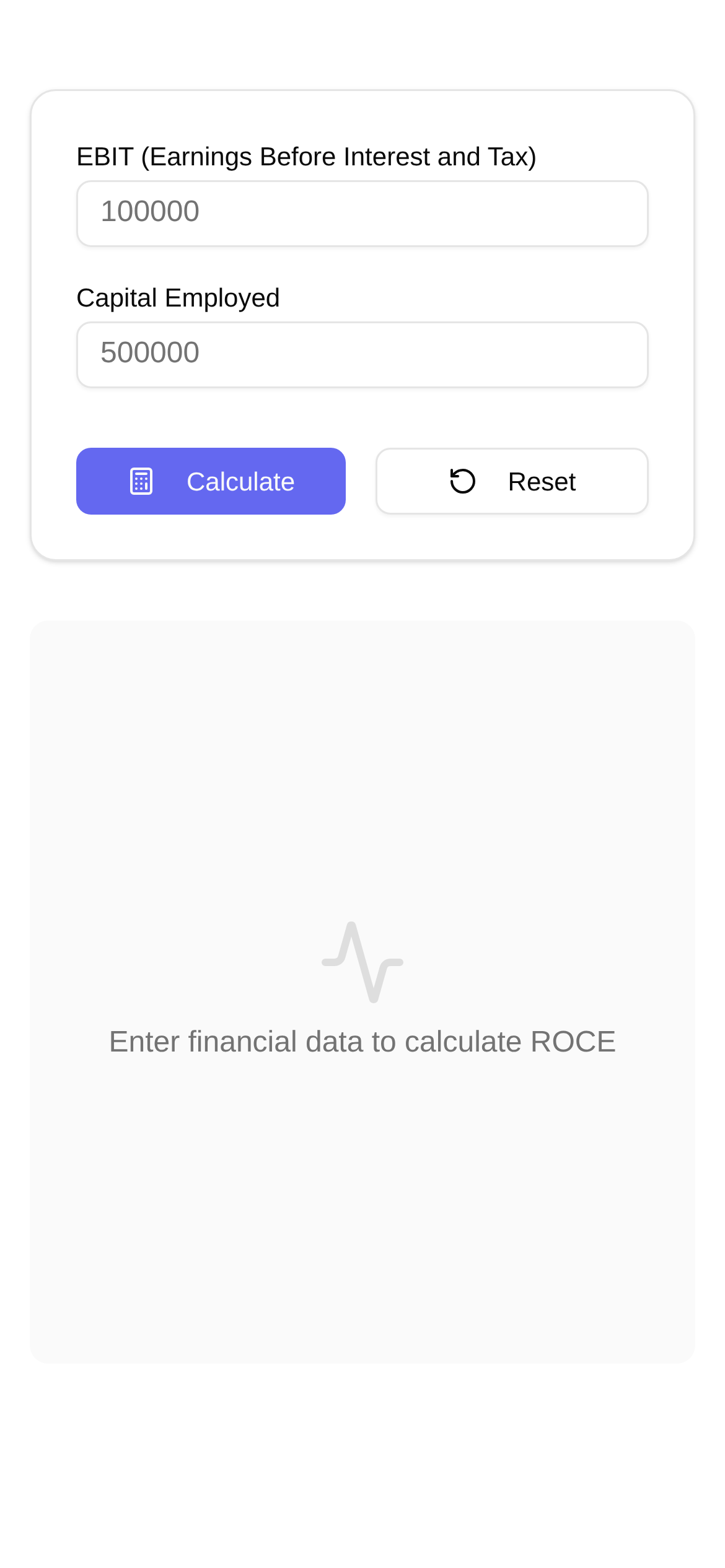
In financial analysis, **ROCE (Return on Capital Employed)** is an indispensable metric for measuring a company's capital efficiency. It essentially tells us how much profit a company generates using all its available capital (both equity and debt). Whether you're looking to invest, manage a company, or negotiate a partnership, ROCE helps you quickly gauge a business's ability to generate returns on its capital.
However, calculating ROCE manually isn't always a walk in the park. You have to dig through multiple financial statements, extract the right data, and apply formulas—a process that is both time-consuming and prone to errors. That's why today I'm recommending a highly practical online tool that eliminates the hassle of manual ROCE calculations, making the process effortless and efficient.
ROCE Calculator: Stop Struggling with Formulas and Calculate with One Click
What I love most about this ROCE calculator is how it simplifies the calculation process to the absolute minimum. Traditionally, you'd need to find a company's EBIT (Earnings Before Interest and Taxes), Total Assets, and Current Liabilities, and then apply the formula: ROCE = EBIT / (Total Assets - Current Liabilities). The denominator, (Total Assets - Current Liabilities), represents the total Capital Employed in the company's operations. This online tool completely automates this entire workflow, which sounds complicated and is even more tedious to execute.
Its user-friendly interface requires zero guesswork. You simply need to input three core data points:
- EBIT (Earnings Before Interest and Taxes): This figure directly reflects the profitability of a company's core operations, independent of tax rates and debt levels, providing an objective view.
- Total Assets: This encompasses everything the company owns, including both liquid current assets and non-current assets like property, plant, and equipment.
- Current Liabilities: Simply put, these are the short-term debts and obligations the company needs to pay off within a year or a single operating cycle.
Enter these figures accurately, hit calculate, and get instant results. It's infinitely more convenient than manually flipping through reports and crunching numbers. For anyone who needs to calculate ROCE quickly, compare multiple companies in bulk, or track ROCE trends, this tool is an absolute lifesaver.
Who Can Use the ROCE Calculator? Almost Anyone Can Benefit
This online ROCE calculator (https://www.toolkk.com/tools/roce-calculator) caters to a wide audience. I've found it particularly useful for the following roles:
- Investors: Eyeing a specific company and want to quickly assess its profitability? Or perhaps you want to benchmark several peers in the same industry to find the most capital-efficient players? Whether you're wondering "how to calculate ROCE for company X" or "how to compare ROCE between two businesses," this tool handles it effortlessly.
- Financial Analysts: When performing company valuations or industry analyses, using this as an auxiliary tool can significantly boost your workflow efficiency.
- Business Managers: You need to constantly monitor changes in your own company's ROCE to analyze whether recent operational strategies have impacted capital efficiency, providing data-backed support for future decisions. If you're asking "what is a good ROCE for a business?" or "what to do if ROCE is low?", accurate data is the foundation of your strategy.
- Accounting or Finance Students: It's incredibly helpful for studying and practicing ROCE calculations to deepen your understanding of financial metrics. When tackling academic questions like "what is the ROCE formula?" or "what is the difference between ROCE and ROE?", it serves as a practical hands-on platform.
In short, as long as you want to efficiently evaluate a company's capital efficiency, this ROCE calculator will come in handy.
How to Use the ROCE Calculator? 3 Simple Steps
Using this ROCE calculator is foolproof. Just follow these three steps:
- Open the Tool: Copy and paste this URL https://www.toolkk.com/tools/roce-calculator into your browser to access the ROCE calculator page directly.
- Input Data: Follow the prompts in the input fields to accurately enter the EBIT, Total Assets, and Current Liabilities you wish to calculate. Note: Ensure your data is completely accurate; otherwise, the results won't be reliable. If you're still wondering "how to use an ROCE calculator," this step is the core.
- Click Calculate: Double-check your data. Once confirmed, click the "Calculate" button, and your ROCE result will instantly appear on the screen. If you want to test different data combinations, you can modify the inputs and recalculate at any time—it's highly flexible.
The entire process takes less than a minute, truly delivering "instant results" for online ROCE calculations.
Frequently Asked Questions & Tips
-
Q: What is the difference between ROCE and ROE?
- A: These two metrics are frequently compared. Simply put, ROCE measures how efficiently a company uses **all its capital (both debt and equity)**, whereas ROE (Return on Equity) only looks at the returns generated using **shareholders' equity**. ROCE evaluates efficiency from an overall operational standpoint and is less affected by the company's capital structure, while ROE focuses heavily on shareholder returns. When discussing "ROCE vs. ROE," understanding the underlying financial logic is crucial.
-
Q: What is a good ROCE?
- A: There is no universal "standard answer" for a good ROCE, as it heavily depends on the industry and the company's lifecycle stage. Generally speaking, a higher ROCE is better, indicating high capital efficiency and strong profitability. However, the key is to benchmark it against industry competitors and review the company's historical ROCE trends. A steadily increasing ROCE is usually a very positive signal.
-
Q: Where can I find this data?
- A: Core data like EBIT, Total Assets, and Current Liabilities can typically be found in a company's **annual reports and financial statements (such as the income statement and balance sheet)**. For publicly traded companies, you can easily look these up on their official websites or major financial data platforms.
-
Q: Is this tool suitable for beginners?
- A: Absolutely! Even if you are an ROCE beginner with zero knowledge of complex financial