

Tool Interface Preview
City Wind Speed and Direction Lookup
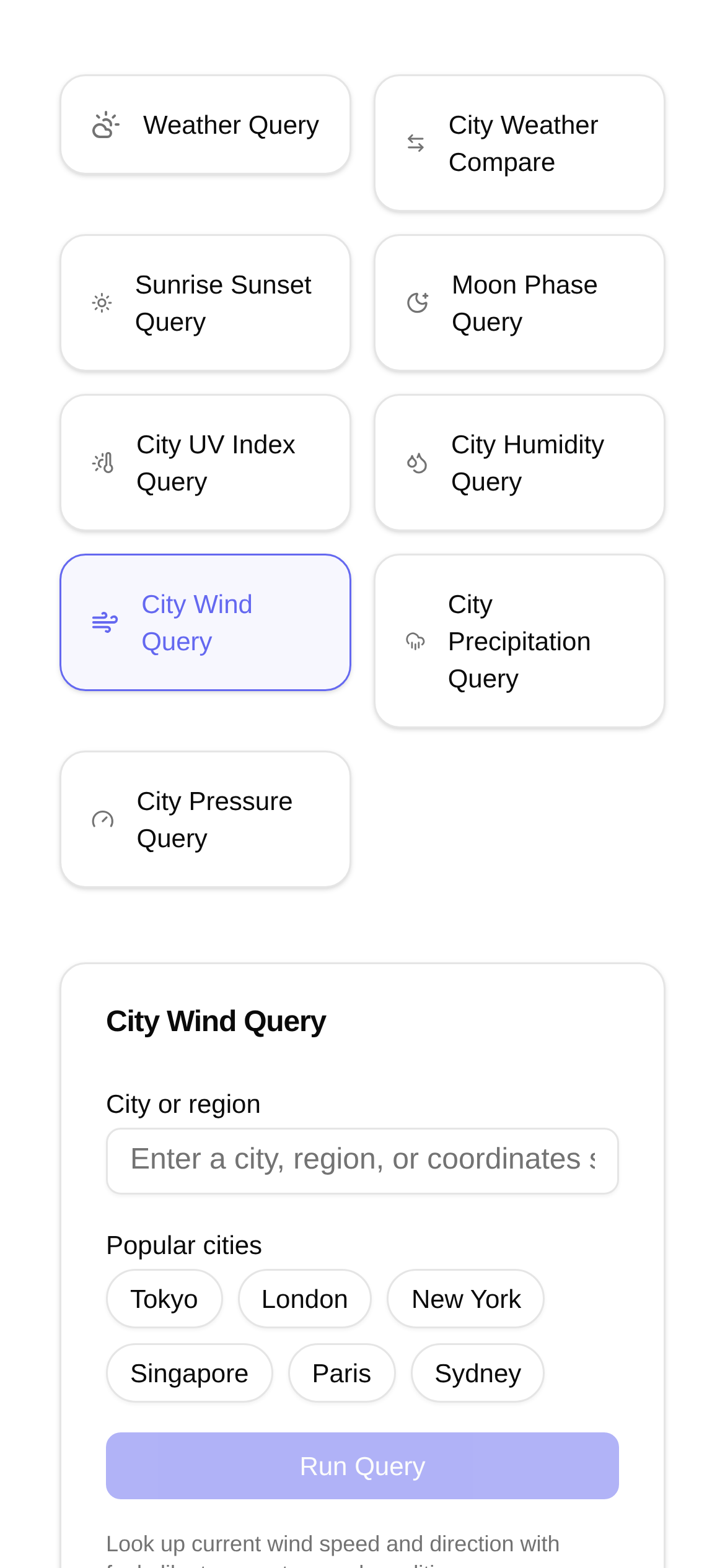
Hey outdoor enthusiasts, weather geeks, and friends whose work relies on meteorological data! Do you often find yourself frustrated trying to find real-time wind speed and direction for cities in China? Past methods were either scattered across different sites or presented as a confusing wall of data. Today, I want to share a highly useful online tool that will help you easily track wind conditions.
What makes this "City Wind Speed and Direction Lookup" tool so great?
Are you planning a hike, flying a drone, or heading out to sea? In these situations, wind speed and direction are crucial. The tool I'm talking about is called "City Wind Speed and Direction Lookup" (link here: https://www.toolkk.com/tools/city-wind-query). As the name suggests, it not only provides real-time wind speed and direction for major Chinese cities, but it also allows you to easily switch between wind speed units and displays wind direction intuitively. Whether you prefer meters per second (m/s), kilometers per hour (km/h), or miles per hour (mph), you can find the format that works best for you. Most importantly, you can see exactly which way the wind is blowing at a glance.
Who is this tool for?
This tool has a wide range of applications. If your activities are affected by the wind, it will come in handy:
- Outdoor sports enthusiasts: For hiking, camping, sailing, or surfing, knowing the wind conditions ensures safety and a better experience.
- Drone pilots: Accurate wind data helps you determine if it's safe to fly today, preventing potential accidents.
- Meteorology enthusiasts: It's a great supplementary tool for observing daily weather and studying meteorology.
- Farmers: When spraying pesticides or irrigating, incorrect wind direction and speed can drastically reduce effectiveness.
- Construction workers: For high-altitude operations, wind strength is a top priority, and safety must always come first.
- General public: It's useful for planning a trip outside or just figuring out if it's a good day to hang laundry.
So, if you're wondering "how to check city wind speed and direction" or "who this tool is for," the scenarios above are the perfect answer. It's designed to make checking wind conditions simpler and more convenient.
How to use it: A step-by-step guide
Using the "City Wind Speed and Direction Lookup" tool is incredibly simple. No registration or login is required—just open the webpage and start using it. Here is a quick breakdown of the steps:
- Open the tool's homepage: Paste or click this link directly in your browser: https://www.toolkk.com/tools/city-wind-query.
- Select a city: You'll see a city selection box on the page. Typically, you select the province or municipality first, then the city. For example, you can click "Guangdong Province" and then find "Guangzhou City."
- View the data: Once a city is selected, the page instantly displays the real-time wind speed (usually defaulting to m/s) and wind direction (described in text and shown with an azimuth angle).
- Switch units: If you prefer a different wind speed unit, simply click the unit toggle option on the page (e.g., switching between m/s, km/h, and mph).
- Understand the wind direction: Wind direction is usually written as "North wind" or "Southeast wind," often accompanied by an arrow or an azimuth angle (e.g., 0° is a North wind, 90° is an East wind).
As you can see, the process is incredibly straightforward. Even if it's your first time using it, you'll get the hang of it immediately. You'll never have to search for a "Chinese city wind speed and direction tutorial" again.
Quick tips and FAQs
- Is the data reliable? The data provided by the tool is mostly real-time, but since it relies on web scraping and transmission, there might be a delay of a few minutes. For highly professional use cases, I recommend cross-referencing with data published by local meteorological stations just to be safe.
- Unit conversion: Although the tool has a built-in conversion feature, it's helpful to have a basic understanding of these units. For example, 1 m/s is approximately equal to 3.6 km/h. Knowing this makes reading the data even easier.
- How do I read wind direction azimuth angles? Generally, the azimuth angle starts at 0 degrees for true North and rotates clockwise. For instance, 90 degrees is an East wind, 180 degrees is a South wind, and 270 degrees is a West wind.
- Where does the data come from? If the website displays its data sources, checking them can help you gauge reliability. Tools like this typically aggregate data from authoritative meteorological agencies.
- How does it compare to other tools? Compared to bloated, all-in-one weather apps, this tool's main advantage is its focus and simplicity. It's dedicated solely to checking wind speed and direction with quick unit switching, making it highly efficient without any unnecessary clutter.
I hope these tips help you get the most out of the "City Wind Speed and Direction Lookup" tool. Whether you're a professional or just an everyday user, you can benefit from it. Remember, understanding the wind makes both life and work a lot smoother!