

Tool Interface Preview
IPv4 to IPv6 Converter
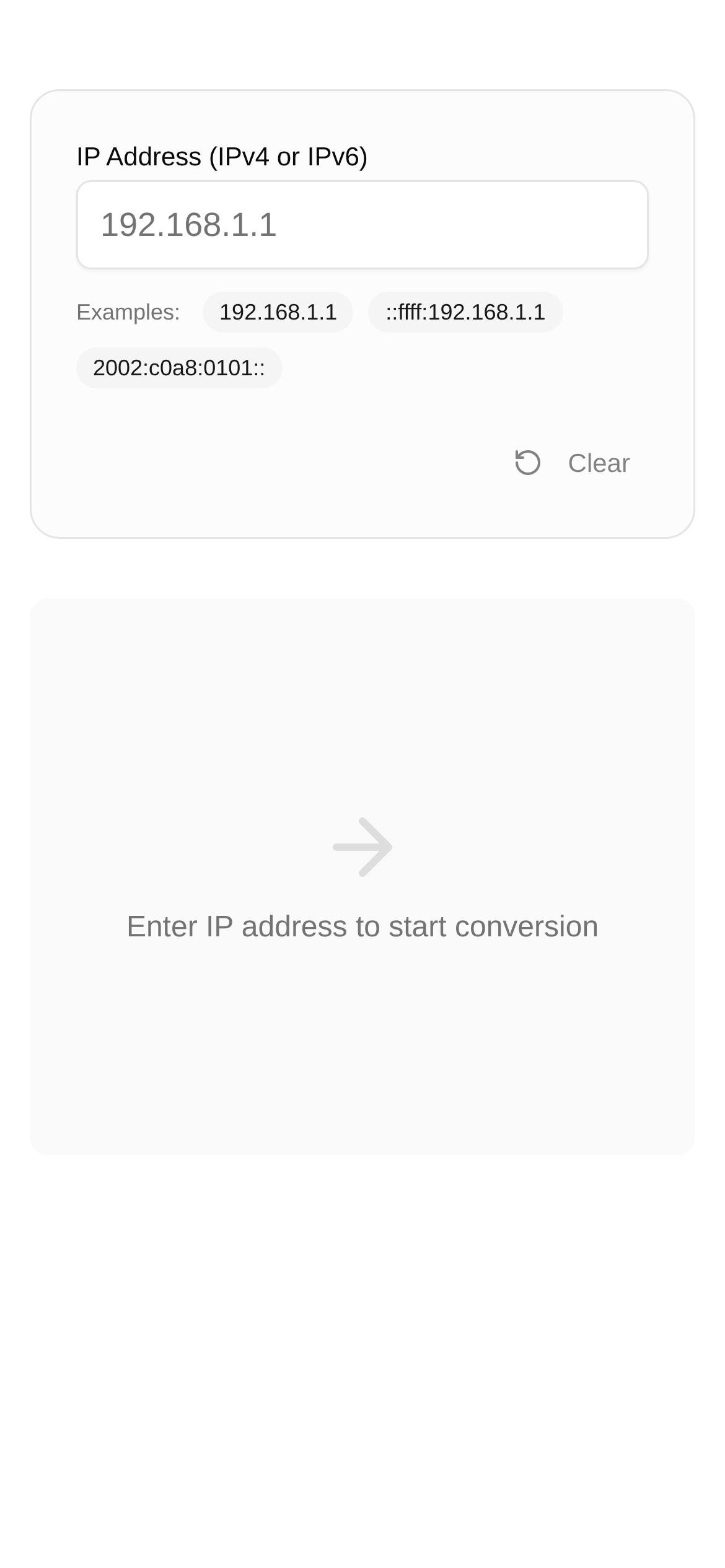
Internet technology is advancing rapidly, and IPv6 is on the verge of becoming the mainstream. However, to be honest, many of our current devices and applications are still running on IPv4 due to historical legacy issues and cost considerations. This brings up a head-scratching question: How can IPv6 and IPv4 communicate with each other effectively?
Today, let's talk about IPv6 to IPv4 conversion, including those somewhat confusing "mapped addresses" and various "translation methods." Finally, I'll recommend a handy tool that I personally find very useful, hoping to help you completely resolve this compatibility issue.
IPv6 to IPv4 Conversion: Why Do We Need It and What Are We Actually Converting?
You've probably encountered this situation: you have a device that only supports IPv6, but you want to access a legacy website or service that only supports IPv4. Without a "translator" in the middle, you likely won't be able to connect, right? This is exactly why IPv6 to IPv4 conversion exists.
Simply put, its core principle is to format IPv6 packets so that IPv4 networks can understand them, allowing them to travel freely within an IPv4 network; or conversely, to disguise IPv4 addresses in an IPv6 format so that IPv6 devices can locate them.
There is a very fundamental concept here called Mapped Addresses. The most common one is the IPv4-mapped IPv6 address, which looks like this: ::ffff:0:0/96 or ::ffff:A.B.C.D. In layman's terms, it's a specific way for an IPv6 device to "refer to" an IPv4 address so it can happily interact with its IPv4 counterparts. For example, an IPv4 address 192.168.1.100 can be mapped to ::ffff:192.168.1.100. Understanding the format of these mapped addresses is incredibly important for network engineers and developers. When troubleshooting, being able to identify the address type at a glance can save a lot of time.
Beyond mapped addresses, there are more advanced conversion techniques known as Protocol Translation. These usually require deploying specialized devices or software at the network edge. A few common ones include:
- NAT64 (Network Address Translation from IPv6 to IPv4): This is used to solve the problem of IPv6-only clients accessing IPv4-only servers. The NAT64 gateway acts as a middleman, converting the header of IPv6 packets into IPv4 format while simultaneously performing address translation.
- SIIT (Stateless IP/ICMP Translation): This is a "stateless" translation technique. It directly translates protocol headers between IPv6 and IPv4 packets without maintaining complex session states, making it relatively lightweight.
- DS-Lite (Dual-Stack Lite): This is quite powerful; it utilizes tunneling technology. It allows users connected via IPv6 to smoothly access IPv4 internet services. It works by "packaging" IPv4 packets inside IPv6 packets for transmission.
These technologies each have their own strengths and are suited for different network environments. Whether we are configuring networks, debugging development, or just wanting to check if an address format is correct, we all want a handy tool to save us some effort.
Recommending a Tool I Use Frequently: IPv4 to IPv6 Converter
When dealing with the conversion, validation, and formatting of IPv4 and IPv6 addresses, a good online tool is a lifesaver. So, here I want to share a personal favorite that I use all the time: IPv4 to IPv6 Converter.
What can it do?
This tool, frankly speaking, is a two-way translator for IPv4 and IPv6 addresses. Want to convert an IPv4 address into its corresponding IPv6 mapped address? No problem. Need to parse or convert those special IPv6 addresses that contain an IPv4 part? Piece of cake. It not only helps you check address formats but also allows you to quickly complete address conversions during network configuration and development debugging, significantly boosting your efficiency.
When will you find it particularly useful?
- Network Engineers: When configuring routers, firewalls, or servers, you need to quickly confirm whether an IPv4-mapped IPv6 address is correct or convert an IPv4 address into a format recognized by IPv6.
- Software Developers: When developing applications that support IPv6/IPv4 dual-stack, you need to verify the compatibility of different address formats or convert API parameters.
- System Administrators: When looking at the formats of IP addresses in logs to help troubleshoot various complex issues.
- General Users: If you are just curious about IP address formats and want to understand the relationship between IPv4 and IPv6 addresses, you can also use it to experiment and learn.
Is it complicated to use? Not at all, it's incredibly simple:
- Open the tool: Just click this link to access it: https://www.toolkk.com/tools/ipv4-ipv6-converter.
- Enter the address: Paste the IPv4 or IPv6 address you want to convert, or type it in manually.
- Choose the direction: Usually, the tool will automatically determine whether you want to convert IPv4 to IPv6 or vice versa. If it guesses wrong, you can also select it manually.
- View the results: Click the convert button, and you'll immediately see the converted address below. For example, if you enter
192.168.1.1, it might give you an IPv6 address like::ffff:c0a8:0101or::ffff:192.168.1.1.
Frequently Asked Questions (FAQ):
- "What types of IPv6 addresses can this IPv4 to IPv6 converter handle?"
- It primarily handles common IPv4-mapped IPv6 addresses (like
::ffff:A.B.C.D) and standard IPv6 addresses. For tunnel addresses like 6to4 or Teredo, you might need a more specialized tool.
- It primarily handles common IPv4-mapped IPv6 addresses (like
- "Why is the corresponding IPv6 address so long when I convert an IPv4 address?"
- Don't worry, this is normal. IPv6 addresses are 128 bits, while IPv4 addresses are only 32 bits. To represent an IPv4 address, the IPv6 mapped address adds a long prefix followed by the hexadecimal representation of the IPv4 address, which makes it look particularly long.
- "Why does the IPv6 address converted by the tool look different from what I usually see online?"
- IPv6 addresses have many shorthand forms, such as omitting consecutive zero segments. This tool provides a standard or the most commonly used representation. Keep in mind that
::ffff:c0a8:0101and::ffff:192.168.1.1are actually different mapped representations of the same IPv4 address.
- IPv6 addresses have many shorthand forms, such as omitting consecutive zero segments. This tool provides a standard or the most commonly used representation. Keep in mind that
- "Who is this IPv4 to IPv6 converter suitable for?"
- All technical personnel who need to handle IP address conversion, validation, and formatting, including network engineers, system administrators, software developers, and anyone interested in network technology who wants to learn more.
- "What should I pay attention to when using this tool?"
- It primarily helps you convert and validate address formats. In actual network deployments, you still need to consider more complex issues like network topology, routing configurations, and firewall rules. It is just a convenient auxiliary tool and cannot completely replace professional network planning and testing.
IPv6 to IPv4 conversion is an unavoidable requirement in the current development of the internet. By understanding the principles of these mapped addresses and protocol translations, we can better address various network