

Tool Interface Preview
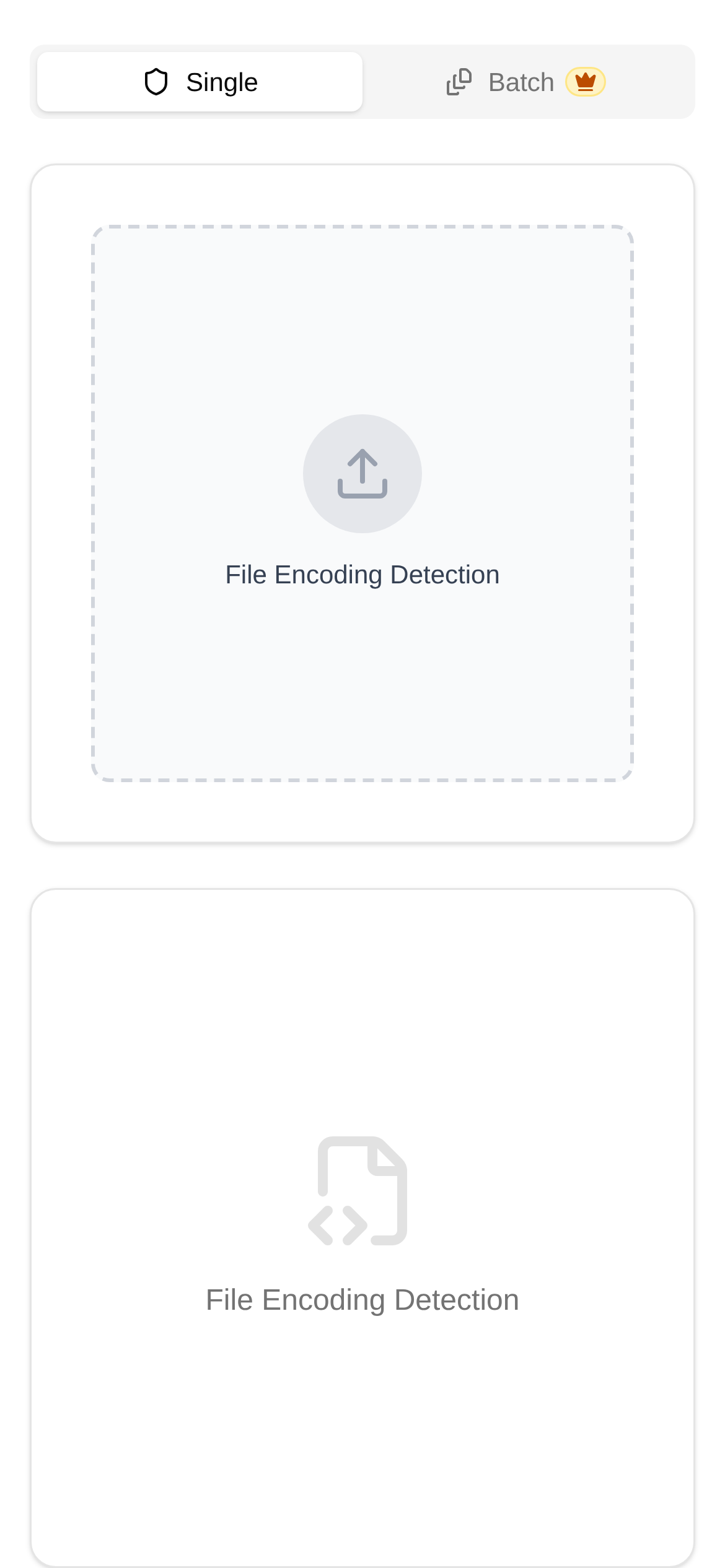
File Encoding Detector
Have you ever encountered this situation: you excitedly open a file, only to find the screen filled with "What does this mean?" or a bunch of inexplicable symbols? That's right, this is garbled text! It feels like people from different countries trying to chat without a translator bridging the gap, resulting in nobody understanding anyone. What exactly is this annoying garbled text? And how can we fix it?
Garbled Text Simply Means Mismatched Encoding
To fully understand garbled text, we first need to talk about character encoding. Simply put, character encoding is a set of rules that translates the text we use daily (like English, Chinese, punctuation marks, etc.) into binary data that computers can read and store, and vice versa. You can think of it as a massive "codebook" where every character has a unique digital ID.
Here are some common encoding formats on the market:
- ASCII: The earliest encoding, which can only represent 128 characters, primarily designed for English characters.
- GBK/GB2312: Specifically used to handle Simplified Chinese. GBK can be seen as an upgraded version of GB2312.
- Big5: This is the exclusive encoding for Traditional Chinese.
- UTF-8: Currently the most popular and compatible encoding. It is highly flexible and can represent almost all characters in the world, including English, Chinese, Japanese, Korean, and more. Therefore, it is the top choice for both web pages and cross-platform file transfers.
The reason garbled text appears is mostly because the encoding used when saving the file does not match the encoding used when you open the file. For example, if a file is saved using UTF-8 encoding, but you insist on opening it with GBK, the computer looks at the data, realizes something is wrong, and "misinterprets" those binary data, displaying a bunch of "gibberish."
Stop Guessing, Let a Professional Tool Identify the Encoding
Faced with a pile of garbled text, we often feel helpless, having no idea what encoding it actually uses. At this time, a reliable tool becomes particularly important. Today, I'm going to introduce a highly useful online tool—File Encoding Detector (https://www.toolkk.com/tools/file-encode-detect).
The core function of this tool is to identify the character encoding format of text files. It can intelligently analyze the file content and accurately determine whether the file is UTF-8, GBK, Big5, or any other encoding, which provides crucial clues for us to solve the garbled text problem. It can not only identify single-language text like English or Chinese but also effectively identify files mixed with multiple languages. It is simply a great helper to solve the big question of "why is my text garbled."
Who Frequently Uses This Tool?
- Programmers/Developers: They often have to deal with code files from different systems and languages, and encoding issues are commonplace for them. Using the "File Encoding Detector" can quickly locate problems and avoid compilation errors or various display bugs.
- Content Creators/Editors: When copying and pasting text from different platforms or handling old documents, garbled text is practically a daily occurrence. This tool can help them recover the correct text content.
- Data Analysts: When importing data files like CSV and TXT, if the encoding doesn't match, the data cannot be parsed properly. Detecting the encoding in advance ensures data integrity.
- Regular Users: When downloaded documents, email attachments, or content copied from web pages appear garbled, this tool provides a quick and easy solution.
- Users who want to know "how to use the File Encoding Detector": For those using this type of tool for the first time, its operation is extremely simple and intuitive, requiring no complex setups.
Fix Garbled Text in Three Steps: As Simple As It Gets
The "File Encoding Detector" tool (https://www.toolkk.com/tools/file-encode-detect