

Tool Interface Preview
City Weather Comparison
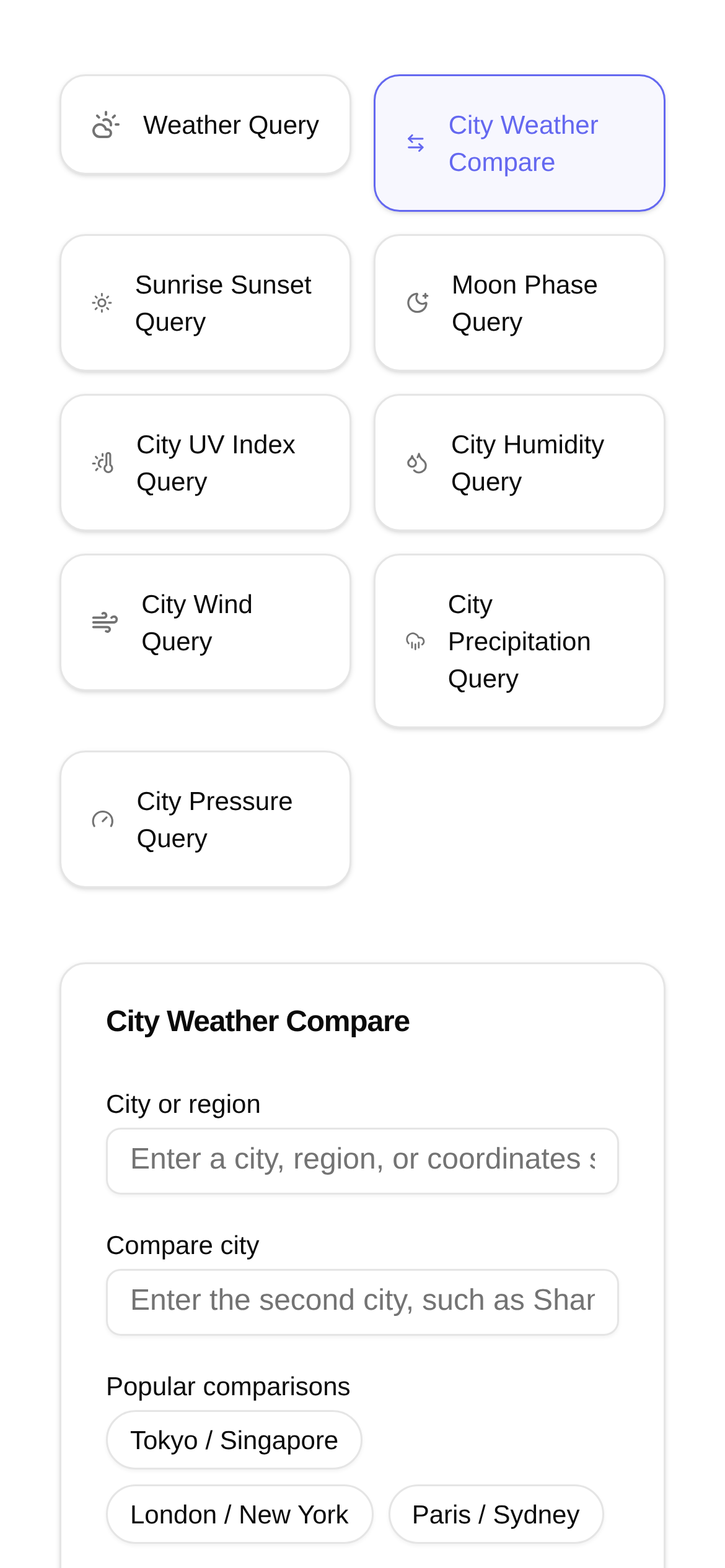
Honestly, have you ever felt that frustration? Whether you're traveling for business, planning a vacation, or just checking in on family and friends far away, you end up switching back and forth between multiple weather apps just to figure out the conditions in different cities. That constant toggling and fragmented information can drive anyone crazy. Today, I'm going to share a much easier and more reliable way to completely eliminate those weather-checking headaches.
Say Goodbye to Fragmentation: View Multiple Cities' Weather at a Glance
In the past, checking the weather meant looking at one place at a time. But if you want to know the weather for several cities simultaneously, it becomes a real headache. Think about it: if you're going on a cross-country road trip, wouldn't you need to check the forecast for your departure city, destination, and stops along the way? Or if you're a business manager, you might need to monitor the operating environments of branch offices nationwide. Or maybe you're just curious and want to know whether Beijing or Shanghai is hotter today, or which has better air quality... In these situations, wouldn't it be incredibly convenient to have a tool that aggregates and compares weather data for all these cities in one place?
The handy tool I'm recommending today is City Weather Compare. It does much more than just display the weather for several cities side-by-side; it also features a few highly practical highlights:
- Real-time data for multiple cities, one-click comparison: You can check as many cities as you want. It simultaneously displays and compares their weather information. Key data such as temperature (current, high, and low), humidity, wind speed and direction, as well as the Air Quality Index (AQI) and specific pollutants are all visible. This completely solves the problem of how to most conveniently perform a multi-city weather comparison.
- Reliable and accurate data: The data sources for this tool are authoritative meteorological organizations, ensuring high accuracy. It clearly presents all the metrics, allowing you to see the climate differences between various cities at a glance.
- Clean and intuitive interface: It uses a simple table or card-based layout. You can grasp the weather overview of each city instantly without having to click around, saving you a lot of hassle.
Who Needs "City Weather Compare"?
This tool actually has a very wide range of users. Basically, as long as you need to monitor weather conditions across different regions, it can help:
- Frequent business travelers: Before a business trip, check the temperature, precipitation chances, and air quality of your destination and alternative cities in advance. This allows you to prepare your itinerary and pack appropriate clothing without rushing. For example, wondering what to wear for a business trip to a specific city? City weather comparison can help!
- Travel enthusiasts: When planning a travel itinerary, comparing the weather of different destinations helps you choose the best time to depart, avoiding bad weather that could ruin your mood. For instance, when planning a holiday trip, which city is more suitable based on a weather comparison?
- Remote workers or those checking on loved ones: If you are out of town and want to know the weather in your hometown or where your friends and family live, you can send them your regards. For example, caring for family members and wanting to know how the weather in their city compares?
- Logistics and transportation professionals: Need to stay updated on real-time weather changes in different cities to adjust transportation plans promptly and avoid risks. For example, how does city weather comparison impact road conditions for logistics and transportation?
- Meteorology enthusiasts or researchers: Interested in meteorological data across different regions for comparative analysis. For example, how to use the city weather comparison tool for meteorological research?
Super Easy to Use: How to Use the City Weather Compare Tool?
Using the City Weather Compare tool is a piece of cake. Even if it's your first time, you can get the hang of it quickly:
- Open the tool page: Enter
https://www.toolkk.com/tools/city-weather-comparein your browser to go directly to the tool's homepage. - Add cities: In the search box on the page, enter the name of the city you want to check (Chinese, Pinyin, or English all work), and then click "Add". You can add multiple cities, such as "Beijing", "Shanghai", "Guangzhou", and "Chengdu", one by one, and they will appear in the comparison list.
- View comparison results: Once the cities are added, the tool will automatically fetch and display their real-time weather data, including temperature, humidity, wind speed, air quality, and more. This data is clearly presented in a list or card format, making side-by-side comparison easy.
- Refresh and delete: The tool generally has a refresh button; click it to see the latest real-time data. If you no longer want to view a specific city, just click the delete or remove icon next to it. Now, is the specific operation of how to use the city weather comparison tool clear?
Frequently Asked Questions and Tips:
-
Q1: Is the data really accurate?
- A1: City Weather Compare integrates several authoritative meteorological data sources to provide more accurate real-time data. However, we must understand that weather forecasting inherently has some uncertainty, especially for future days; real-time data tends to be more accurate. I recommend that when making important decisions, you also refer to warning information released by official meteorological departments for a comprehensive judgment. Consider this a discussion on "real-time data accuracy analysis."
-
Q2: How many cities can I compare?
- A2: Generally, tools like this can compare several cities simultaneously, though the exact number may vary by tool. The City Weather Compare tool is quite flexible when it comes to adding cities and should meet the needs of most users.
-
Q3: Besides real-time weather, is there any other data?
- A3: Some advanced features might offer weather forecast comparisons for the next few days, or even historical weather data lookups. The current version of City Weather Compare primarily focuses on comparing key real-time metrics. Whether more features will be added in the future depends on development progress.
-
Q4: Is there a mobile app?
- A4: Currently, City Weather Compare is a web-based tool. There is no need to download or install an app; you can open it directly in your mobile browser for a smooth and highly convenient experience. This answers the questions regarding convenience in "who is city weather comparison suitable for" and "city weather comparison precautions."
-
Q5: How often is the data updated?
- A5: Real-time weather data is usually updated automatically every few minutes to a dozen minutes, ensuring you see the latest information. You can also manually refresh the page to fetch the newest data.
After hearing all this, I believe you now have a good idea of how to conveniently compare the weather across multiple cities. The next time you need to monitor the weather in several places at once, why not give the City Weather Compare tool a try? I guarantee it will make your weather-checking experience effortless and convenient!