

Tool Interface Preview
LM Hash Calculator
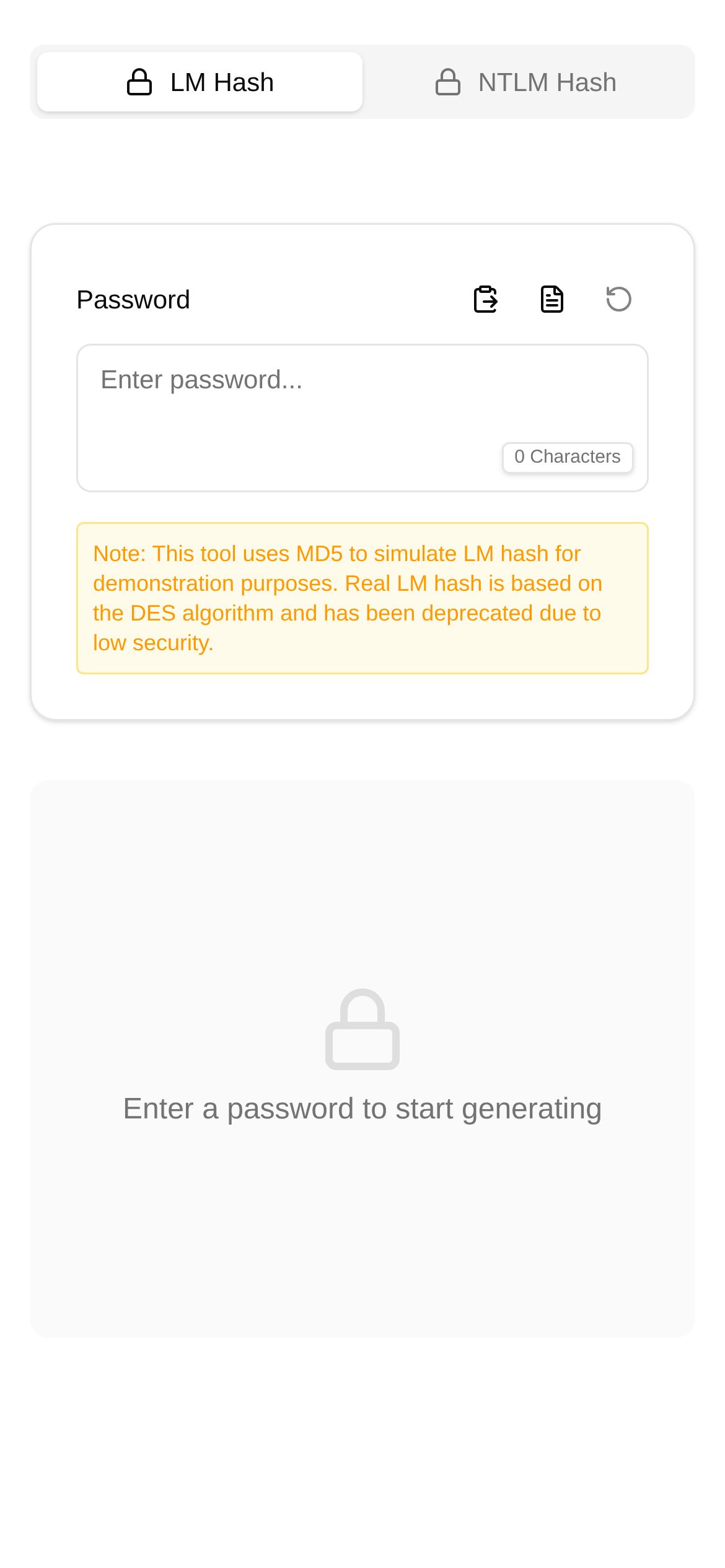
Hey everyone! Today, let's talk about a fascinating topic: the LM hash. Some of you might think it's a bit of an "antique," but trust me, when dealing with legacy system data or conducting penetration testing, it still pops up from time to time. Therefore, it's highly necessary to understand exactly what an LM hash is, what its output looks like, and why we should still care about it.
LM Hash: An Outdated Yet Surprisingly "Stubborn" Password Fingerprint
The LM hash, short for LAN Manager Hash, is actually an early hashing algorithm used by the Windows NT operating system to store user passwords. It converts your password into a fixed-length "fingerprint" used for identity verification. This sounds fine in theory, but as technology has advanced, the flaws of the LM hash have become increasingly obvious:
- Case Insensitivity: When generating the hash, it converts all passwords to uppercase. So, the LM hash values for "Password" and "password" are exactly the same, which drastically reduces password strength.
- Password Splitting: If a password exceeds 7 characters, it splits the password into two halves and hashes them separately. This is practically a gift to attackers, cutting the cracking difficulty in half.
- No "Salting": This is a fatal flaw. It means that if two users set the exact same password, their LM hash values will be identical. Rainbow table attacks? They work like a charm here.
Because of these critical flaws, modern operating systems abandoned the LM hash for password storage long ago, moving on to NTLM hashes, Kerberos, or more advanced alternatives. However, in certain legacy systems or specific testing scenarios, you might still encounter it.
LM Hash Output: A Fixed 32-Character Hexadecimal String
So, how long is the output of an LM hash? The answer is: 32 hexadecimal characters. Whether your original password is a short and sweet 1 character or a "lengthy" 14 characters (the maximum length the LM hash can process; anything longer gets truncated), the final generated LM hash value will always be 32 hex characters. These 32 characters actually represent 16 bytes (or 128 bits) of data. For example, a typical LM hash looks something like this: A4AD9689CF47C10B8D992F00E889D776.
Understanding this fixed length is crucial. It helps us recognize an LM hash at a glance without confusing it with other hash types. Therefore, when you are analyzing data or writing code, if you come across a 32-character hexadecimal string that has something to do with legacy Windows password storage, it's highly likely an LM hash.
Why Should We Care About the Output Size and Features of the LM Hash?
Understanding the output size and these "quirks" of the LM hash is particularly useful in the following situations:
- Penetration Testing and Security Auditing: When pentesting legacy systems, if you capture an LM hash, its 32-character hex length is its signature. Once identified, we can use classic methods (like rainbow tables or dictionary attacks) to attempt cracking it, thereby evaluating the target system's security vulnerabilities.
- Data Recovery and Forensics: Sometimes you need to extract password hashes from disk images. Accurately identifying LM hashes makes subsequent analysis much smoother.
- System Compatibility and Migration: When migrating legacy systems, if password data conversion is involved, understanding the structure of the LM hash helps developers write correct conversion code—though the most highly recommended approach is to have users reset their passwords directly, rather than "moving" vulnerable hashes over.
- Security Education and Research: The LM hash is like a "living fossil" in the history of information security. Studying it helps us better understand how cryptography has evolved to where it is today, and why modern hashing algorithms have become so complex and secure.
LM Hash Calculator: A Step-by-Step Guide
Theory is nothing without practice, so let's manually generate and identify an LM hash. Here, I recommend a super handy online tool: the LM Hash Calculator. Not only can you use it to quickly generate an LM hash, but you can also visually inspect its output format.
Tool Name: LM Hash Calculator Access Link: https://www.toolkk.com/tools/lm-hash Description: Converts plaintext, hex, or Base64 strings into LM hash values, outputting in both hex and Base64 formats with selectable casing.
How do you use this tool?
- Click the link: Simply click the link above to enter the LM Hash Calculator page.
- Enter the password: In the "Input Content" box, type the plaintext password you want to calculate the LM hash for. For example, let's enter "password".
- Select the format: The tool can output in both hex and Base64. For LM hashes, we generally look at the hex format. You can also choose the output casing.
- Click calculate: Press the "Calculate" button, and the hash result will appear instantly. You will see a 32-character hexadecimal string.
Here is an example:
- Plaintext input: "password"
- Resulting LM hash (Hex):
200F279C41C0409F8C6D2736C5209776
Through this tool, you can clearly see the LM hash values corresponding to different passwords and verify its fixed output length characteristic. Whether you want an LM hash tutorial or need to perform an LM hash comparison analysis, this tool is incredibly convenient.
Frequently Asked Questions
Q1: What is the difference between an LM hash and an NTLM hash? A1: Simply put, the LM hash is case-insensitive and splits the password into two halves for processing, making its security pitifully low. The NTLM hash is a bit stronger; it is case-sensitive and uses the MD4 algorithm, making it much safer than the LM hash, though it still falls far short compared to modern salted hashes. During penetration testing, cracking an NTLM hash is usually harder than cracking an LM hash.
Q2: Under what circumstances should I use an LM hash? A2: Unless you are researching historical systems, conducting security testing, or handling legacy data, you should absolutely, positively NEVER use the LM hash to store passwords in new applications or systems. Modern applications should always use strong, salted hashing algorithms like PBKDF2, bcrypt, or scrypt.
Q3: How can I prevent an LM hash from being cracked? A3: The most direct method is to disable LM hash storage entirely. In a Windows domain environment, this can be done via Group Policy. Additionally, forcing users to set longer, more complex passwords (over 15 characters) effectively prevents the generation of an LM hash (since the LM hash only processes the first 14 characters).
Q4: Who is this LM Hash Calculator tool for? A4: It is especially suitable for security researchers, penetration testers, and system administrators to quickly verify or generate LM hashes during security audits. At the same time, for students or beginners interested in cryptography, it is a very intuitive learning tool that helps in understanding the principles and characteristics of the LM hash.
Summary
The LM hash, an antiquated password hashing algorithm, is characterized by its fixed 32-character hexadecimal output length. Although it was kicked to the curb by modern systems long ago, understanding how it works, its output characteristics, and its vulnerabilities still holds significant historical and practical value for information security professionals. With tools like the LM Hash Calculator, we can learn and apply this knowledge more intuitively. Finally, a reminder: in today's cybersecurity environment, choosing a safer, more robust password storage solution is always the top priority.
Disclaimer: The information in this article is for educational and reference purposes only. If you are going to perform any security testing or system configuration changes, be sure to follow best practices and ensure you are operating within an authorized scope. Messing around without authorization can carry legal and security risks!