

Tool Interface Preview
RGB to HEX Color Code Converter
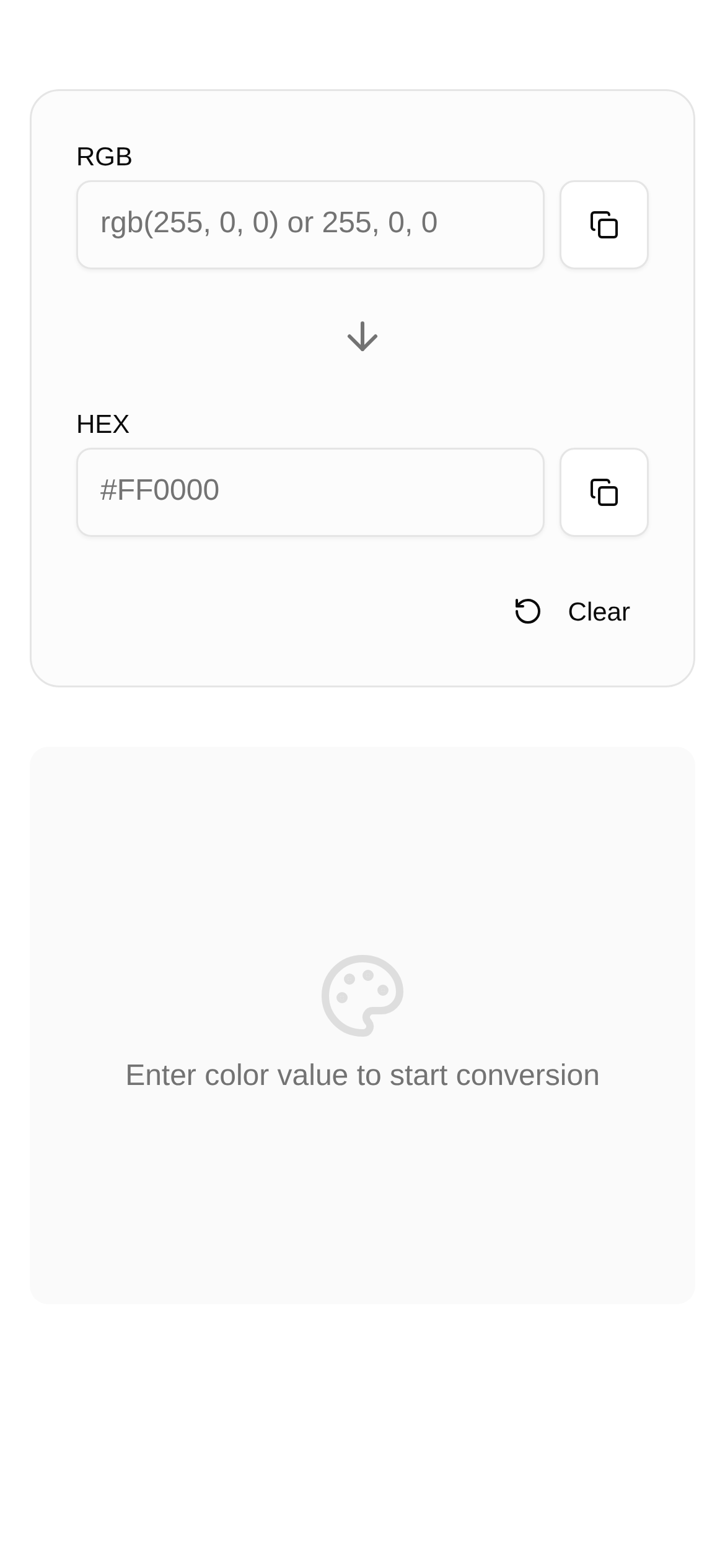
Hey, fellow creatives! Designers, frontend developers, and everyone else who wrestles with on-screen colors every day! When it comes to color codes, RGB and HEX are old friends we're all familiar with. They are like the "universal language" of the color world, but sometimes they can still be a bit confusing: what exactly is the difference between the two? When should you use which? Don't worry, today I'm going to talk about RGB and HEX, and I'll also share a handy little tool I've been using for years to help you master the realm of colors!
RGB and HEX: The "Twin Brothers" of Color Coding
Let's start with their "introductions" to figure out what each of them actually does.
RGB (Red, Green, Blue) is exactly what it sounds like. It combines different intensities of these three colors to "piece together" all the colors we see. The intensity value for each color ranges from 0 to 255, which is why you often see codes looking like this: rgb(R, G, B). For example, rgb(255, 0, 0) is pure red, no doubt about it. The RGB system is actually closer to how the human eye perceives color, so designers find it highly intuitive when mixing colors on a screen, just like mixing paint on a palette.
Now let's talk about HEX (Hexadecimal) color codes. Simply put, it's just another way to "translate" RGB. It converts the three RGB values into a hexadecimal format, starting with a # followed by six hex digits. For instance, that pure red we just mentioned is represented as #FF0000 in HEX. Here, the first two digits represent the amount of red, the middle two are green, and the last two are blue. HEX codes are a staple in web development because they are shorter to write and incredibly convenient to use in CSS and HTML.
In short, RGB and HEX are just two different "languages" used to describe the exact same color. RGB is more like everyday conversation—intuitive and easy to understand; HEX is like writing technical documentation—concise and standardized.
Which One to Use? It Depends on the Context!
Now that we know what they do, let's look at when to use which.
-
When is RGB better?
- When designers need to fine-tune colors: For example, if you want to make a color brighter, darker, or add a bit more red and less blue, adjusting RGB values is highly intuitive. Changing
rgb(100, 150, 200)torgb(120, 150, 200)makes it instantly clear that the red component has increased, making the color slightly warmer. - In graphic design software: The color pickers in tools like Photoshop and Sketch are primarily based on RGB, making them very natural to use.
- Creating gradients: If you want to create a highly natural gradient effect, adjusting the trend of RGB values gives you better control over color transitions, resulting in smoother gradients.
- When designers need to fine-tune colors: For example, if you want to make a color brighter, darker, or add a bit more red and less blue, adjusting RGB values is highly intuitive. Changing
-
When does HEX shine?
- In web development: In HTML, CSS, and JavaScript, HEX codes are the "main force" for defining colors. They are concise to write, making the overall code look cleaner and more professional.
- Following brand guidelines: Many major brands have detailed design guidelines that explicitly provide HEX codes for various colors. This ensures brand colors remain consistent everywhere without any deviation.
- Quick copy and paste: HEX codes are typically just seven characters (a
#plus six digits), making them incredibly easy to copy and paste, which significantly reduces the chance of typos.
Say Goodbye to Manual Math with This Easy Conversion Tool!
Next comes the question everyone cares about most: if I want to convert RGB to HEX, or HEX to RGB, do I have to calculate it myself? That's too much hassle and highly prone to errors! This is where a good conversion tool becomes incredibly important.
Here, I highly recommend a handy online tool I use all the time—the RGB and HEX Color Code Converter.
Here is the link: https://www.toolkk.com/tools/rbg-hex-converter
This tool is an absolute lifesaver for designers and developers! It helps you convert between RGB and HEX color codes online. Whether you want to know "how to convert RGB to HEX" or "how to convert HEX to RGB," it gets it done in one click, saving you time and effort.
How do you use this tool? It's as easy as breathing:
- Open the link: Click the link above to go directly to the RGB and HEX Color Code Converter page.
- Enter the color code: If you want to convert to RGB, fill in the RGB input box on the left (e.g.,
255, 0, 0). If