

Tool Interface Preview
License Plate Extractor
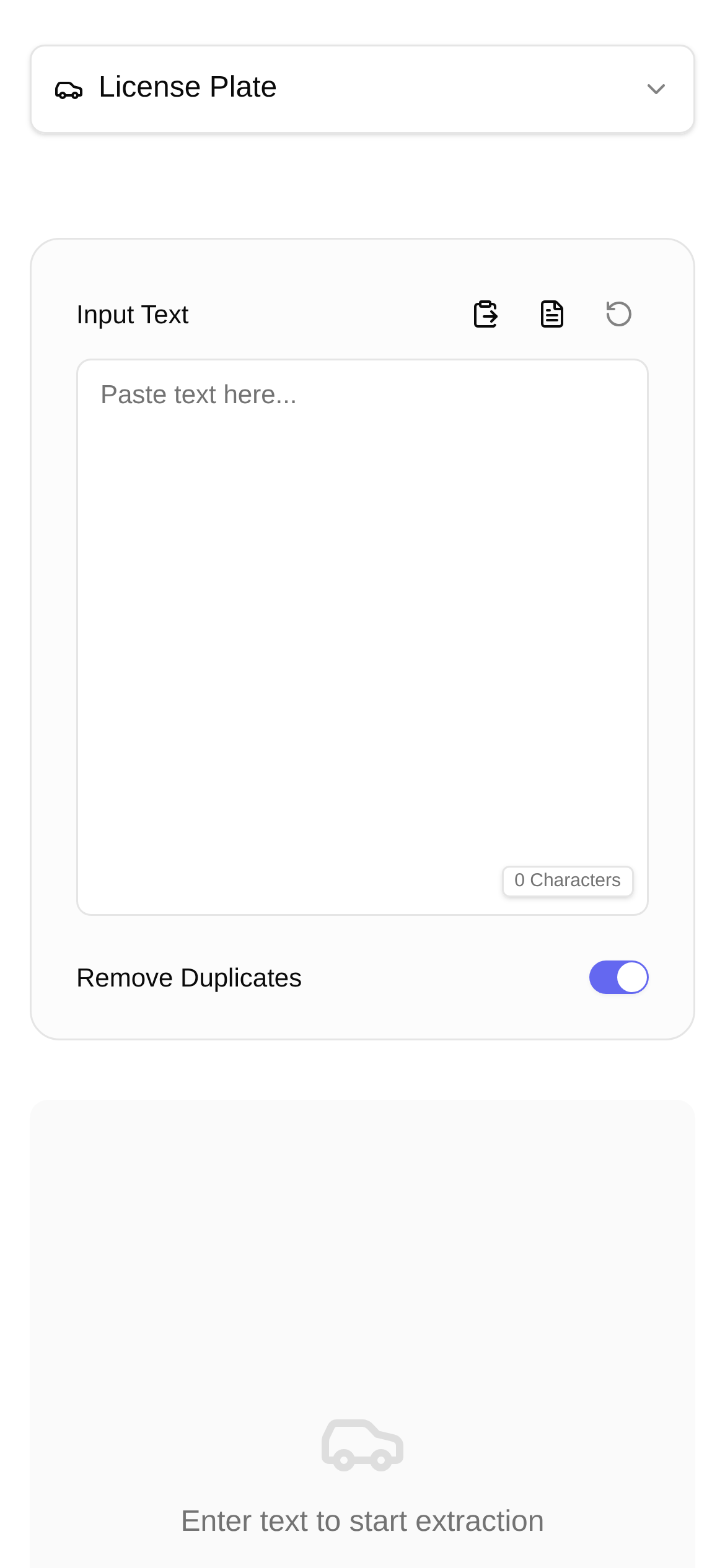
Whether you're writing articles or processing documents, do you often need to extract license plate numbers from images? Typing them out manually is time-consuming and prone to errors. Especially when handling accidents, analyzing data, or just verifying vehicle info, it can be a real hassle. Today, I'm recommending an AI tool that makes extracting license plates and identifying their registered locations super easy!
Say Goodbye to Manual Typing: Let AI Do It in One Click
In the past, we had to stare at images and type out license plates character by character. But since I discovered the **License Plate Extractor** (https://www.toolkk.com/tools/carplate-extractor), my efficiency has skyrocketed. Powered by advanced AI image recognition technology, it **automatically extracts license plate numbers from images and intelligently identifies their registered locations**. Whether it's a standard plate, commercial plate, or a new energy vehicle (EV) plate, it handles them effortlessly. The hassle of figuring out "how to find a license plate location from an image" is now solved with a single click.
Who Will Love the License Plate Extractor?
Honestly, this tool has a wide range of applications. If you deal with vehicle information, it will definitely come in handy:
- Traffic Police & Insurance Agents: Quickly extract vehicle info from accident scene photos to boost work efficiency.
- Used Car Industry: Perform preliminary checks on vehicle details to help verify a car's background.
- Parking Lot Management: Assist manual verification for smoother entry/exit management and reduced congestion.
- Media & Content Creators: Quickly verify license plate details for media assets or data analysis to ensure accuracy.
- Everyday Users: Whether you want to check where a friend's car is registered or need to look up vehicle info, you can do it instantly.
In short, if you've ever struggled with reading license plates from photos, you definitely need to read this tutorial on how to use the License Plate Extractor.
Extract License Plates Easily in 3 Steps
The License Plate Extractor is incredibly easy to use, even for beginners. Here is a step-by-step tutorial:
- Open the Tool: Go directly to this link in your browser: https://www.toolkk.com/tools/carplate-extractor.
- Upload an Image: You'll see a clear upload area on the page. Click "Upload Image" and select a photo containing a license plate from your computer or phone. It supports common image formats like JPG and PNG, so you don't need to worry about compatibility. Once uploaded, the image will appear on the interface.
- Smart Recognition: As soon as the image is uploaded, the system automatically starts the recognition process—no extra clicks required. In just a moment, the AI will provide the results, including the license plate number and its registered location. You can copy these results directly or process them as needed. The whole process is incredibly fast, truly delivering "one-click AI recognition".
Common Questions When Using the Tool
You might have some questions while using the tool. I've compiled some common questions and answers to help you out:
- Is the recognition accurate? In most cases, the tool is highly accurate. However, if the image is unclear (e.g., blurry, poorly lit, or the plate is obstructed), the results will be affected. For the best results, try to upload clear and complete photos of the license plates.
- What image formats are supported? It supports mainstream formats like JPG, PNG, and BMP. If you have an uncommon format, we recommend converting it to a standard format before uploading.
- Is my privacy secure? The License Plate Extractor was designed with user privacy in mind. Uploaded images are only used for recognition and analysis; they are not saved or used for commercial purposes. You can use it with complete peace of mind.
- How does it compare to other tools? Compared to software that requires installation or tools with limited features, the License Plate Extractor is a web-based tool. There's no installation required—just open it and use it. Plus, it's comprehensive and can recognize various types of license plates. It definitely has the edge in convenience and accuracy.
Overall, the License Plate Extractor is a fantastic helper for extracting license plate information from images. It turns a complex task into something simple and efficient, greatly improving productivity. Bookmark it now and try it out for yourself!
(Note: This article is purely a tool recommendation and tutorial, not professional advice. Please use your own judgment during actual operations.)