

Tool Interface Preview
City Weather Query
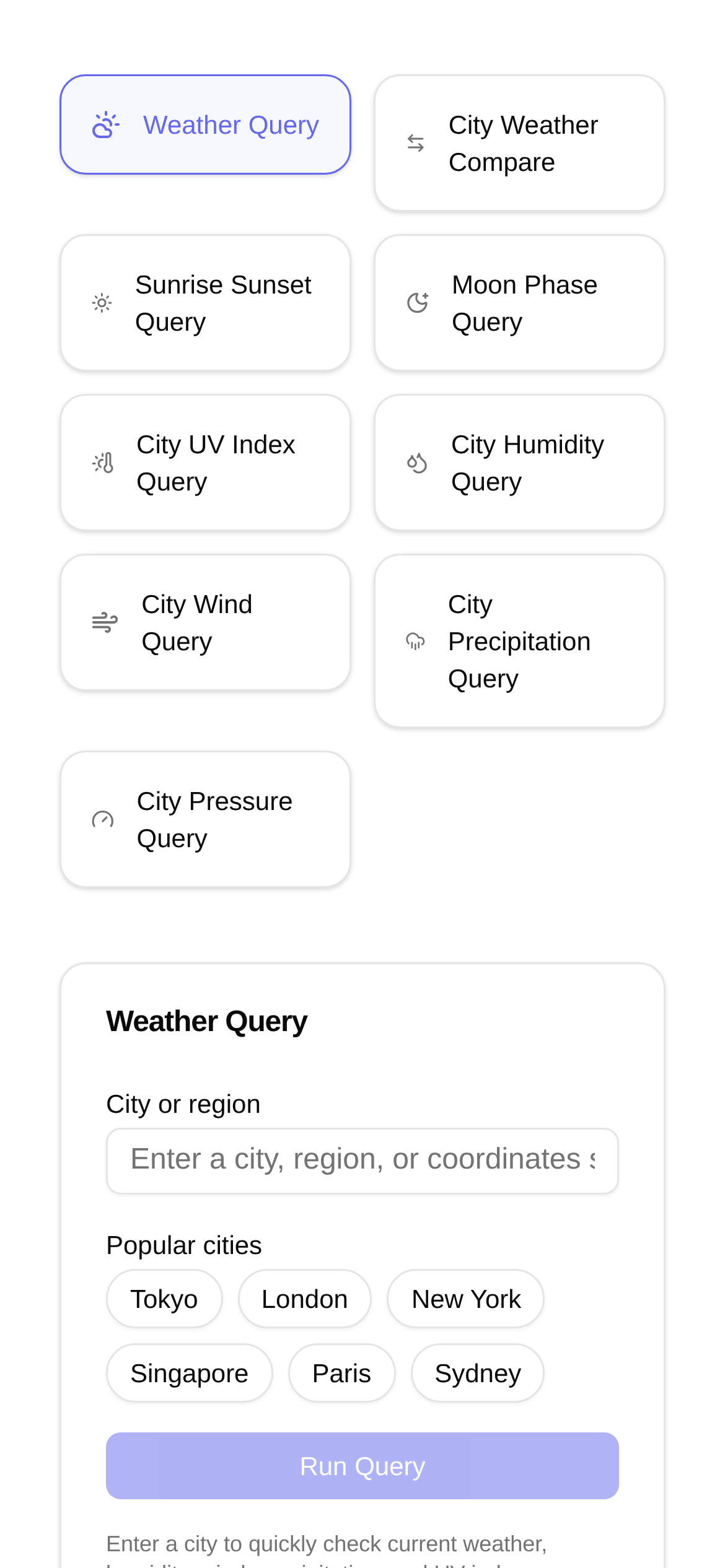
Hey there, fellow travel enthusiasts! Have you ever experienced this? You excitedly arrive in a new city, only to be caught completely off guard by the weather—either shivering from the cold or sweating profusely in the heat. Nobody wants to deal with that awkwardness again! That's why today, I want to share my personal favorite travel hack with you. It allows you to easily check the real-time temperature and humidity of any city in the world. With this tool, you'll never pack the wrong clothes again, and your travel planning will become much more stress-free!
1. What does this tool do? Simply put, it's your personal weather assistant!
Imagine you're planning a trip halfway across the globe, perhaps traveling from the snowy landscapes of Northern Europe all the way to the tropical islands of Southeast Asia. The climate in each destination is worlds apart. How can you get a thorough understanding of the local weather before you depart? Don't worry, today's spotlight—the **City Weather Query** tool—is your dedicated meteorological consultant.
Its most powerful feature is providing real-time weather data for cities worldwide. It doesn't just show the temperature (available in both Celsius and Fahrenheit) that we care about most, but also the often-overlooked yet incredibly important metric: humidity. Beyond current conditions, it also provides a weather forecast for the upcoming days, giving you a clear picture of how the weather will change throughout your itinerary. Whether you're planning an afternoon tea in the bright sunshine or suddenly encounter a thunderstorm, you can be prepared in advance. Wondering exactly how to use the "City Weather Query"? Don't panic, let's go through it step by step.
2. Use it to say goodbye to travel discomfort!
1. The ultimate pre-trip planning assistant: This is absolutely how I use it the most. Before booking flights and hotels, I habitually use the City Weather Query to check the destination's average temperature and humidity. For example, if you're heading to Dubai, knowing in advance that summers are hot and dry means you can pack more lightweight, breathable clothing. If you're going to London, understanding its rainy and humid nature ensures you pack umbrellas and waterproof jackets early on. This is far more reliable than just looking at beautiful landscape photos; it practically packs your bags for you and completely prevents the embarrassment of wearing the wrong clothes.
2. Make on-the-go adjustments during your trip: Even after you've departed, this tool is incredibly useful. For instance, if you're exploring Paris and suddenly notice that the temperature in the small town you're visiting tomorrow will plummet and humidity will rise, you can quickly adjust your itinerary or prepare warmer clothes. As for the question "Who is the City Weather Query for?", I think the answer is: Anyone who demands a high-quality travel experience deserves to have it!
3. It's tied to your health: Humidity has a significant impact on human comfort. High humidity makes you feel muggy, while low humidity easily dries out your skin. Especially for friends with respiratory issues or sensitive skin, knowing the destination's humidity in advance helps you take protective measures and avoid unnecessary acclimatization issues.
4. Photographers can't live without it: Weather data is an absolute necessity for photographers. Sunlight, cloud cover, and humidity directly affect the outcome of a photo. By using the City Weather Query, you can determine the best shooting times in advance, capture the most beautiful moments, and ensure your blockbuster shots turn out perfectly.
3. Super simple to use: Get global weather in three steps!
Don't worry about needing a complex "City Weather Query tutorial." This tool is incredibly simple to use, requires zero technical skills, and anyone can easily get the hang of it:
- Open the tool page: Type into your browser or directly click this link: https://www.toolkk.com/tools/city-weather-query.
- Enter the city name: Type the name of the city you want to check into the search box. It supports major cities worldwide. For example, you can enter "Tokyo," "New York," or "Cape Town"—both English and Chinese are supported.
- Get information instantly: Click the search button, and you'll immediately see the city's real-time temperature, humidity, wind speed, weather conditions, and even a forecast for the next few days. The interface is designed to be clean and straightforward, making the data crystal clear and easy to understand at a glance.
The beauty of this tool is that it's exceptionally intuitive and convenient to use. Even first-time users can quickly find the information they need. Compared to complex, highly professional meteorological software, the "City Weather Query" focuses exclusively on providing the core data travelers care about most. No fluff, no complications—just direct and effective.
4. FAQ for worry-free travel!
Q1: Are the search results accurate?
A1: The data sources for this tool are professional meteorological organizations and are updated in real-time, so the accuracy and timeliness of the results are highly reliable. That being said, in the event of extreme weather, I still recommend cross-referencing with the latest warnings issued by local official weather departments just to be safe.
Q2: Which countries or regions' cities can it check?
A2: The City Weather Query covers major cities globally. Whether it's a popular tourist destination or a relatively remote small town, you can find most of them. The coverage is quite extensive.
Q3: Besides temperature and humidity, what other data can I see?
A3: Absolutely! In addition to temperature and humidity, it typically provides wind speed, wind direction, UV index, precipitation probability, and other meteorological data, allowing you to get a more comprehensive and detailed understanding of local weather conditions.
Q4: How is it different from the built-in weather app on my phone?
A4: While built-in phone apps can also check the weather, the "City Weather Query" is an online tool specifically designed for travel scenarios. It displays data that focuses more on the core metrics travelers care about. Furthermore, it's incredibly convenient to use across platforms. There's no need to install an app; you can open the webpage and check anytime, anywhere. This is especially useful when planning a trip and needing to quickly compare weather conditions across multiple cities.
Q5: Is there anything I should keep in mind when using the "City Weather Query"?
A5: Although the tool's data is very accurate, I still recommend double-checking multiple sources before traveling, especially to places with volatile or extreme climates, just so you know what to expect. Additionally, humidity greatly affects our perceived temperature. Even if the air temperature isn't high, high humidity can make it feel sweltering. Conversely, if the temperature is high but humidity is low, it might not feel as uncomfortable. Therefore, always pay attention to both temperature and humidity—they go hand in hand.
Conclusion
Isn't the meaning of travel to explore and enjoy? A wonderful trip is rarely possible without adequate preparation. With this highly practical City Weather Query tool, you can effortlessly grasp the real-time temperature and humidity of locations worldwide, ensuring you are fully prepared for every journey. Say goodbye to the awkwardness of traveling blind, embrace composure and confidence, and make every trip full of pleasant surprises rather than shocks! Bookmark it right now, and don't forget to share it with your travel buddies!