

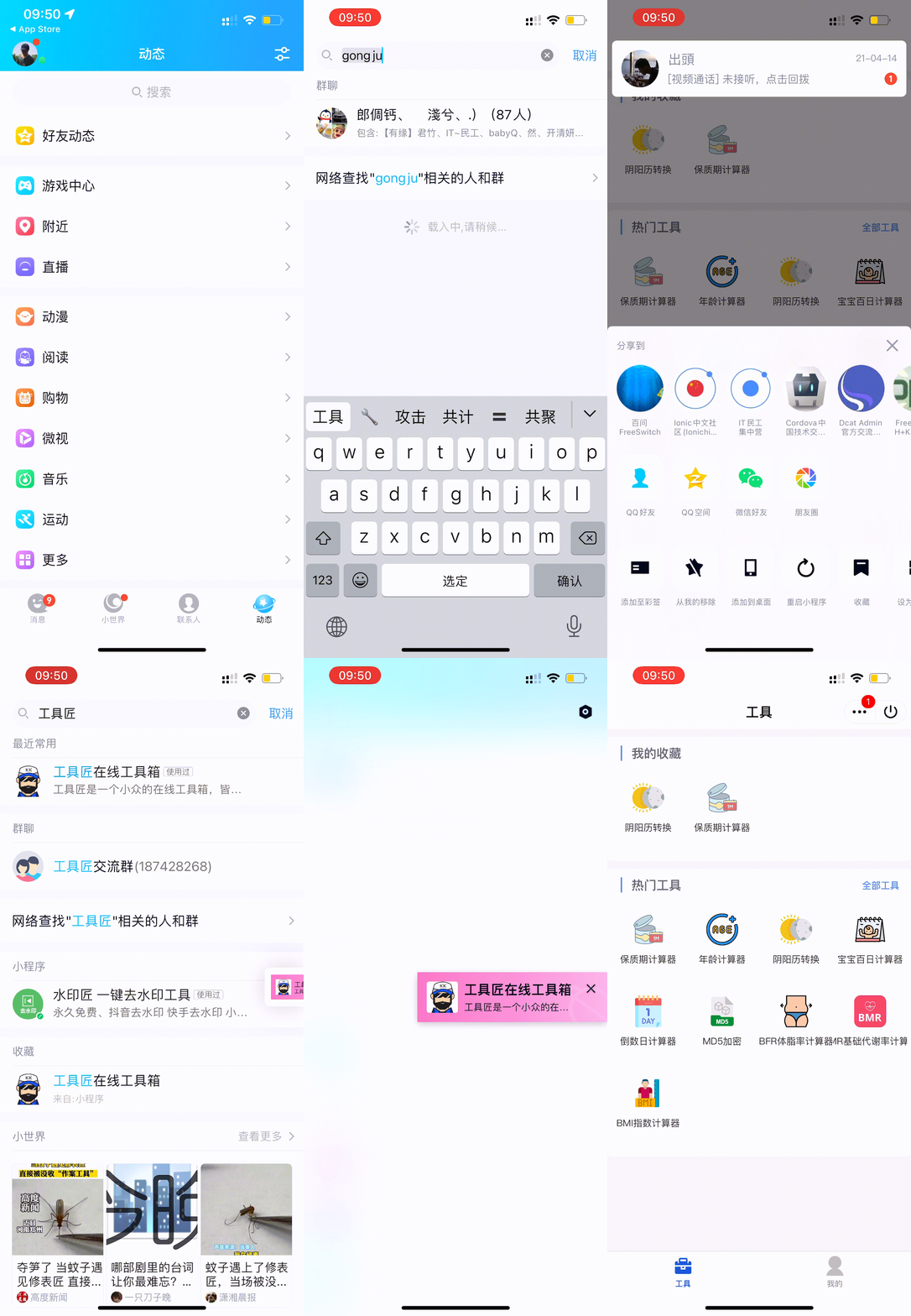
Toolkk V1.0 is now live on the QQ Mini Program platform. You can now easily search for “Toolkk” directly in the Dynamics section of the mobile QQ app to quickly find the mini program version.
If you frequently use the Toolkk mini program on QQ, you can click the settings menu in the top right corner of the mini program and select the “Bookmark” button in the pop-up window. This allows you to pin the Toolkk mini program to your QQ interface for quick and easy access. See the video below for detailed instructions.
If you want to try it out right away, you can also scan the QR code directly with your mobile QQ app.

PS: Due to the platform's review mechanism and other factors, some features of the QQ mini program may be restricted. Thank you for your understanding.