

Tool Interface Preview
File MD5 Modifier
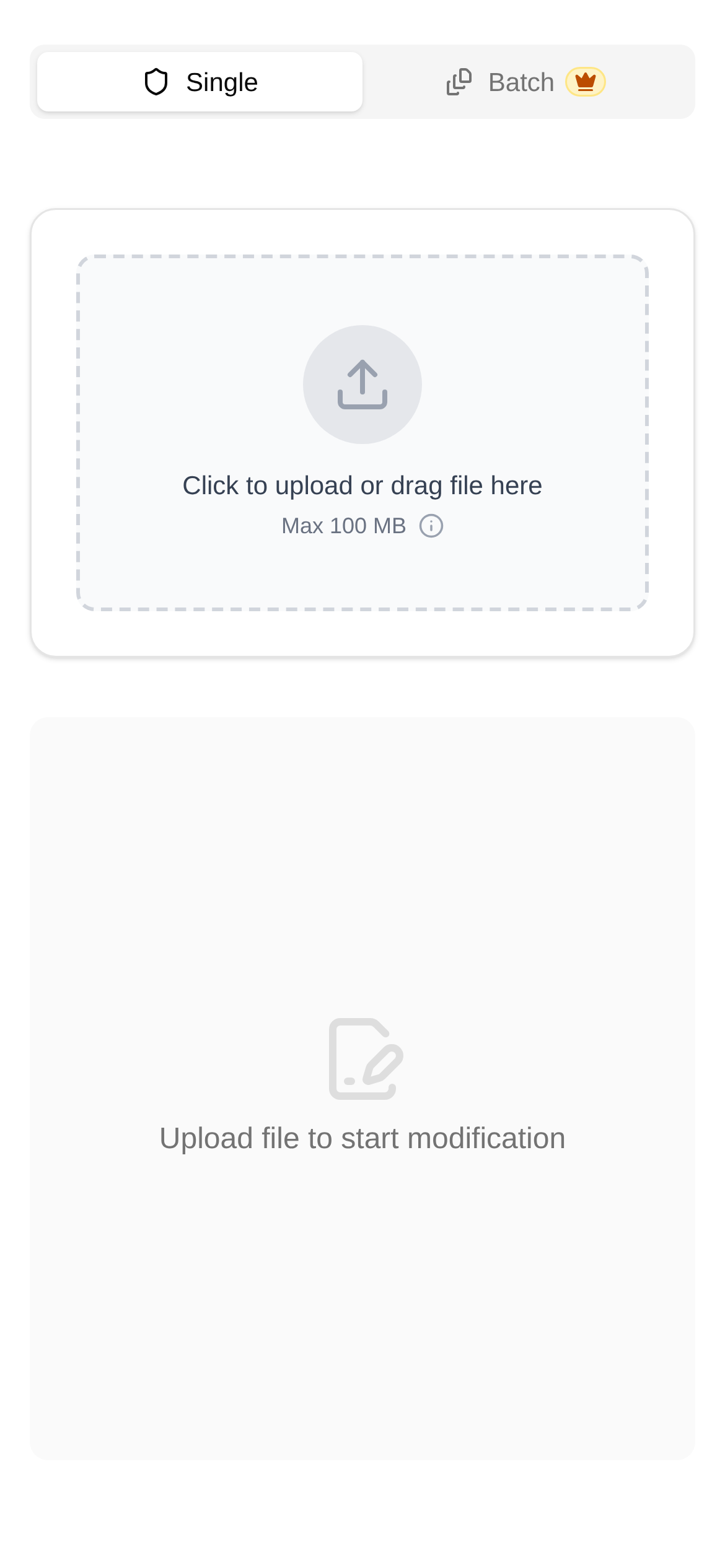
Hey guys! I love tinkering with practical tools and productivity hacks. Today, I want to talk about an interesting topic: image MD5 hashes. Have you ever run into this frustrating situation? You upload a standard image, and the system prompts "Image already exists" or "Duplicate file"? Or maybe you want to force a cache update, or quietly bypass duplicate content filters on certain platforms. The images look exactly the same, but you just want them to have a different "ID number"?
Don't worry, I recently discovered a hidden gem—the File MD5 Modifier. This tool is amazing. It helps you generate a new file that is visually identical but has a completely different MD5 hash with just one click. Those annoying duplicate checks? Easily bypassed! For content creators and tech enthusiasts, this is an absolute lifesaver!
Why is this tool so great? Say goodbye to duplicates and give your images a "new identity"!
Some of you might not be familiar with MD5. Simply put, it's like a "digital fingerprint" for a file. No matter how large the file is, MD5 generates a fixed-length string (usually a 32-character hexadecimal number). Theoretically, even the slightest change to a file will completely alter this "fingerprint." Many platforms rely on this to determine if a file is a duplicate.
The brilliance of the File MD5 Modifier I'm recommending lies in:
- Visually identical: It doesn't just crudely crop or compress the image, which degrades quality. Its mechanism is clever: it adds or modifies data within the file that doesn't affect the image display. This changes the MD5 hash, but the image itself looks exactly the same—100% lossless!
- Supports common formats: Currently, it primarily supports PNG and JPG, the two most commonly used image formats, which covers most daily needs.
- Incredibly easy to use: No software download is required; you can use it directly online. The interface is highly intuitive, so even beginners can easily get the hang of it.
- Versatile applications: Want to bypass platform duplicate image detection? Need to update a CDN cache? Or just want to give your image a "new identity"? It can handle all of that.
Who is the MD5 Modifier for? You might need it too!
The use cases for this tool are quite broad. Here are just a few examples:
- Content Creators: Whether you're writing articles or designing posters, sometimes you need to upload multiple similar images but want the system to treat them as distinct files. This is useful for A/B testing or posting the same content across different platforms without being flagged as duplicate. How do you use the File MD5 Modifier here? It just takes a few clicks!
- SEO Professionals: To give search engines a "fresh look" at your images, or when you need to force an image cache update, changing the image's "identity" is a great strategy.
- Developers / IT Ops: When deploying applications or updating static resources, if your CDN or caching system relies on MD5 hashes to determine if a file needs updating, generating a new file with a different MD5 hash is a highly effective way to bust the cache.
- Image Managers: If you have a batch of identical-looking images but want them to have unique identifiers in your file system—such as assigning different "digital fingerprints" to differently processed batches—this tool can help.
Quick and Easy Operation: Change MD5 in 3 Simple Steps!
Using the File MD5 Modifier couldn't be simpler. Let me walk you through a quick tutorial:
- Open the webpage: Enter this URL directly into your browser: https://www.toolkk.com/tools/file-md5-modifier.
- Upload your image: Click the "Select File" button on the page and upload the PNG or JPG image you want to modify. You can also just drag and drop the image into the designated area.
- Generate and download: The tool will automatically process it and generate a new image with a different MD5 hash. Once it's done, click the "Download" button to save the new file to your local device. If you don't believe it, compare the MD5 hashes of the original and new images—they will definitely be different, but your eyes won't spot any visual changes!
Frequently Asked Questions: How is it different from other tools? What should I watch out for?
-
Q1: Will changing the MD5 hash degrade image quality? A1: Not at all! The beauty of this tool is that it only modifies data that doesn't affect the actual image display (metadata), which changes the MD5 hash. Therefore, the image remains 100% visually lossless.
-
Q2: How is this different from image compression or cropping tools? A2: There's a huge difference. Image compression and cropping directly alter the image's pixel data, which affects both image quality and file size, naturally changing the MD5 hash. However, our File MD5 Modifier focuses on being "visually lossless." It only changes the MD5 hash; the image looks identical, and the file size remains virtually unchanged (maybe a few extra KBs, which is negligible).
-
Q3: Can I use it to change the MD5 hash of any file type? A3: Currently, it primarily supports PNG and JPG image formats. For other files like documents or videos, the underlying principles and implementation methods are different, so this tool doesn't support them yet.
-
Q4: Are there any risks or things to keep in mind when using the modified images? A4: From a technical standpoint, simply changing the MD5 hash carries no risk. However, you should be aware that some platforms or systems might employ more complex duplicate detection mechanisms beyond just checking the MD5 hash. So, it's best to test it yourself first and always comply with the terms of service of the respective platforms. Don't abuse it. For example, if an image is copyrighted, changing its MD5 hash doesn't remove the copyright—keep that in mind.
I hope today's sharing helps you better understand MD5 hashes and solves those annoying "duplicate" issues in your daily work. Bookmark it now and go try out this File MD5 Modifier for yourself!
Friendly reminder: The tool introduced in this article is primarily intended to provide technical convenience. When using it, please ensure you comply with relevant laws, regulations, and platform guidelines.