

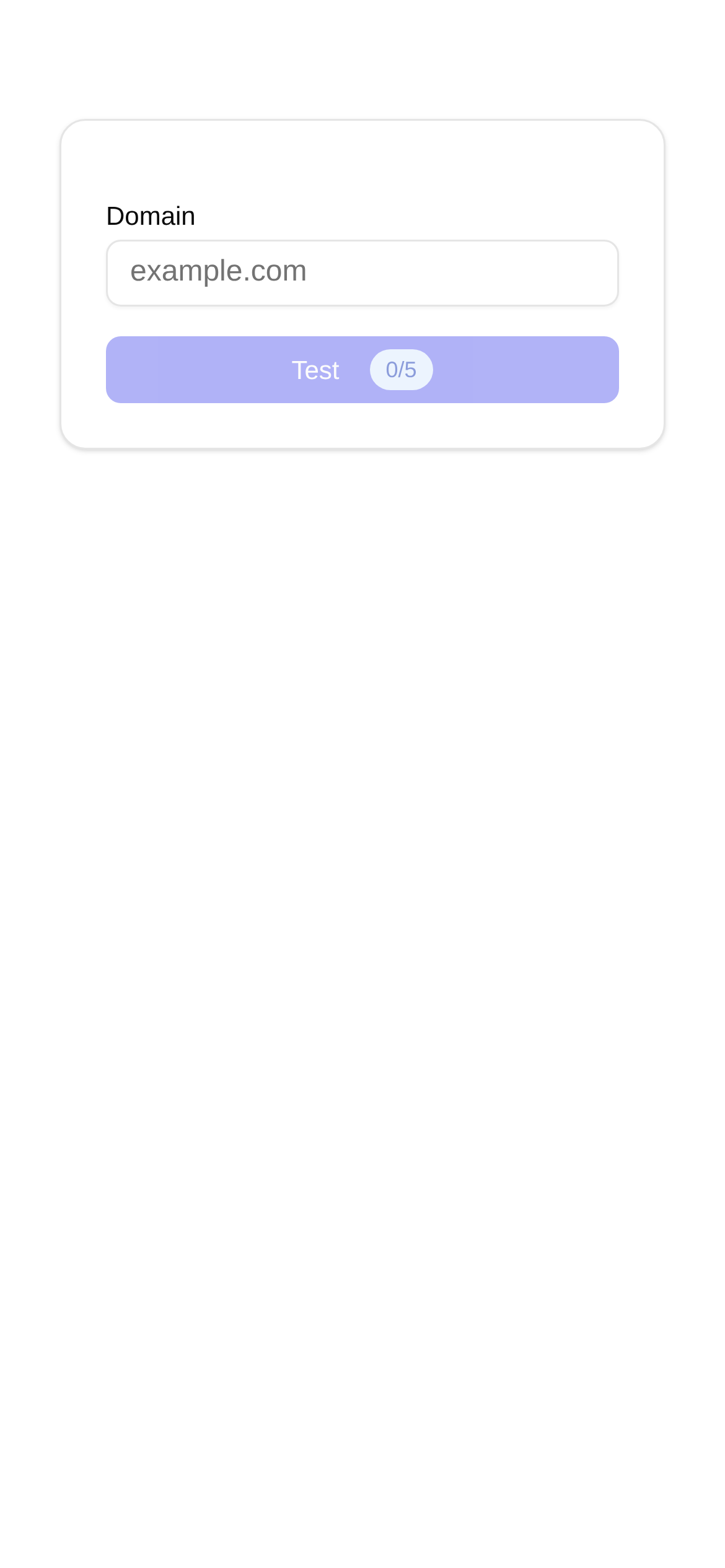
Tool Interface Preview
HSTS Test Tool
Hey everyone! Whether you're a webmaster, a developer, or just someone who cares about website security, you've probably run into this frustrating scenario: you work hard to set up HTTPS for your site, thinking everything is secure, only to find that users are still accidentally accessing the insecure HTTP version. It can drive you crazy! Today, we're going to dive into the "secret weapon" that completely solves this issue—HSTS—and how to use a handy tool to test and optimize it.
What is HSTS? Why is it essential for your website?
To put it simply, imagine you install a top-tier security door (HTTPS) on your mansion, but someone sneaks in through the back door (HTTP) because they didn't know about the front door. That renders the security door useless, right? HSTS stands for HTTP Strict Transport Security. It acts like a sign on your front door that says: "Front door access only, no back doors allowed!"
Once a browser visits your website and receives the HSTS policy, it "remembers" it. For a specified period, whether the user types the URL manually or clicks a link from elsewhere, the browser will strictly use the HTTPS channel. This completely blocks bad actors trying to execute downgrade attacks or man-in-the-middle (MitM) attacks, significantly boosting your website's security. Therefore, if you prioritize security, care about user privacy, or have compliance requirements, HSTS is practically mandatory.
Scratching your head: How do you know if HSTS is actually working?
HSTS is incredibly useful, but configuring it can be tricky. If done incorrectly, it could make your site inaccessible or fail to apply the policy, rendering your efforts useless. So, how can we verify that our HSTS is configured correctly and actively working? This is where you need a professional "health check tool."
HSTS Test Tool: The "Personal Doctor" for Your Website Security
Today, I highly recommend a fantastic online tool: the HSTS Test Tool. It quickly checks your website's HSTS configuration status and deeply analyzes HSTS-related security header parameters, giving you a clear picture of your forced HTTPS security posture. Whether you want to understand how to use and configure HSTS or compare the effects of different configurations, it provides highly intuitive feedback.
What can this tool do?
This HSTS Test Tool isn't a basic checker that just tells you "yes" or "no" regarding HSTS. It will:
- Check HSTS Status: Quickly tell you if your website has enabled HSTS.
- Analyze HSTS Header Parameters: Parse out every critical parameter in the HSTS response header, including
max-age(validity period),includeSubDomains(whether it applies to subdomains), andpreload(whether preloading is enabled), so you know exactly what your configuration looks like. - Provide Optimization Suggestions: Based on the test results, it offers targeted optimization advice to help you further elevate your HSTS security level.
When is the best time to use it?
- Before Website Launch: Launching a new site? Test it first to ensure the HSTS configuration is flawless and keep potential security risks at bay.
- Routine Security Audits: Don't neglect older websites. Check them periodically to verify that the HSTS policy is still functioning correctly and aligns with the latest best practices.
- Troubleshooting HSTS Issues: Suspect your HSTS isn't working, or experiencing website access issues? Use it to quickly pinpoint the problem.
- Learning About HSTS: Through real-world case analysis, you'll gain a deeper understanding of how HSTS works and how to configure it.
How to use it? Super simple!
This tool is incredibly user-friendly and foolproof to operate:
- Open the Tool: Click this link to access it: HSTS Test Tool.
- Enter the URL: Type the domain name of the website you want to test into the input box, such as
www.example.com. - Click Test: Hit the "Test" button, wait a brief moment, and the results will be clearly displayed.
The results page will list whether HSTS is enabled, the content of the Strict-Transport-Security response header, the max-age value, whether subdomains are included, and if preloading is supported. If something is off—like a max-age that's too short or missing subdomains—the tool will typically provide prompts to help you fix these minor flaws.
Frequently Asked Questions & Quick Tips
- Does HSTS take effect immediately after configuration? The HSTS policy only starts working after the browser receives the directive. Therefore, the very first visit might still use HTTP. However, once the browser receives the HSTS header, it will strictly enforce HTTPS for the duration of the
max-ageperiod. - How long should
max-agebe? I recommend setting it to at least one year (which is 31,536,000 seconds) to provide long-term security. If set too short, the effectiveness of HSTS is significantly reduced. - Is it necessary to enable
includeSubDomains? It is highly recommended! This ensures that all your subdomains are also forced to use HTTPS, leaving no security blind spots. - What is
preload?preloadis a specific directive indicating that you want your website added to the HSTS preload list maintained by major browsers. Once on this list, browsers will load your site via HTTPS even on a user's first visit, massively boosting security. However, the requirements for joining the preload list are strict, and once added, it's difficult to undo. Always double-check that all your subdomains work perfectly over HTTPS before proceeding. - What's the difference between HSTS and redirects? HSTS is enforced at the browser level; once active, the browser automatically converts HTTP requests to HTTPS internally. Redirects, on the other hand, are handled by the server; every HTTP request must reach the server before the server instructs the browser to redirect. Consequently, HSTS is both faster and more secure than standard server redirects.
With the help of this HSTS Test Tool, you can easily become an HSTS configuration expert and ensure your website's forced HTTPS transmission is foolproof. Your website deserves to navigate the stormy seas of the internet in the safest and most robust way possible!
Pro Tip: The information provided here is for reference only and does not constitute professional security advice. Before making any configuration changes to your website, always remember to back up your data and test thoroughly!