

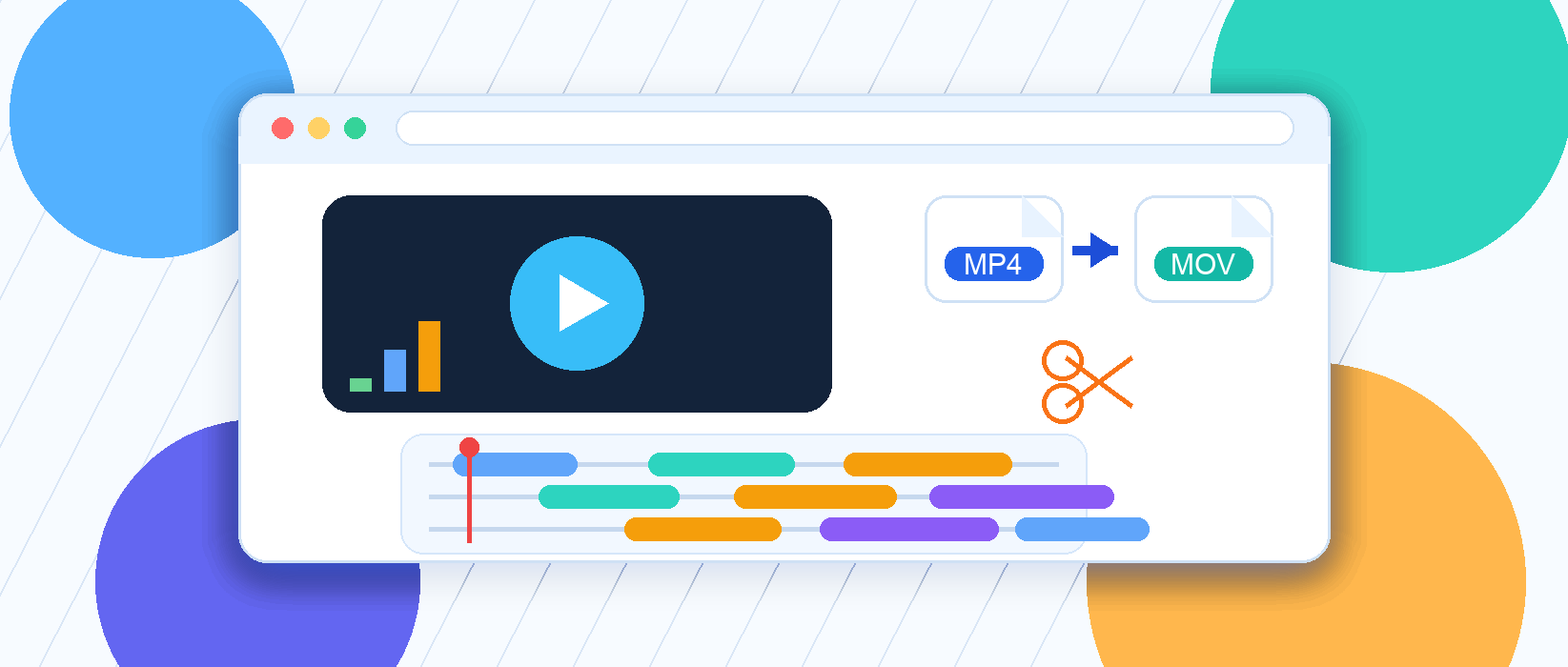
Ever saved a video from a group chat only to find that it will not open on your computer—or that it has an annoying logo in the corner? Maybe you just want to trim a short clip, share it on social media, or convert it to a compatible format without installing a bulky, ad-filled video editor.
You can handle all of that right in your browser. The free online video tools below are organized by task, require no installation or account, and open with a single click.
1. Convert Videos to the Right Format
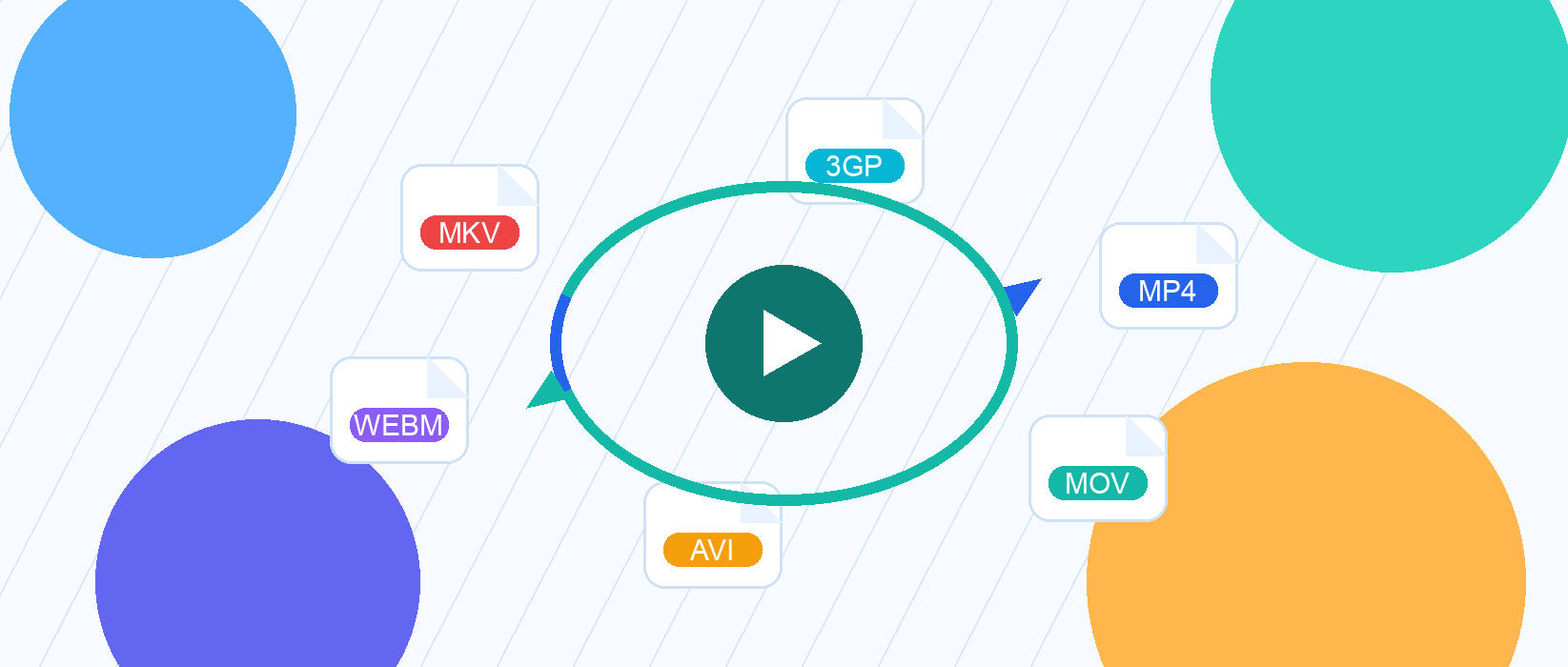
If a video plays on your phone but will not open on your computer, the file format is probably the issue. Convert it to the format you need:
- Convert Video to MP4 —— The most widely supported format for sharing and playback
- Convert Video to MOV —— Commonly used on Apple devices and in video editors
- Convert Video to AVI
- Convert Video to MKV
- Convert Video to WEBM —— A lightweight format for embedding video on websites
- Convert Video to FLV
- Convert Video to WMV
- Convert Video to 3GP —— Ideal for older devices and smaller files
2. Essential Online Video Editing Tools

If you only need quick, practical edits, these tools cover the essentials:
- Trim Video —— Remove unwanted footage from the beginning or end
- Merge Videos —— Combine multiple clips into one video
- Change Video Speed —— Speed up explanations or slow down important details
- Rotate Video —— Fix sideways or upside-down footage
- Flip Video —— Mirror a video horizontally or vertically
- Reverse Video —— Create a fun reverse-playback effect
3. Remove Watermarks and Logos

- Remove Video Watermark —— Select an unwanted logo or corner watermark and remove it
4. Adjust Colors and Add Video Effects
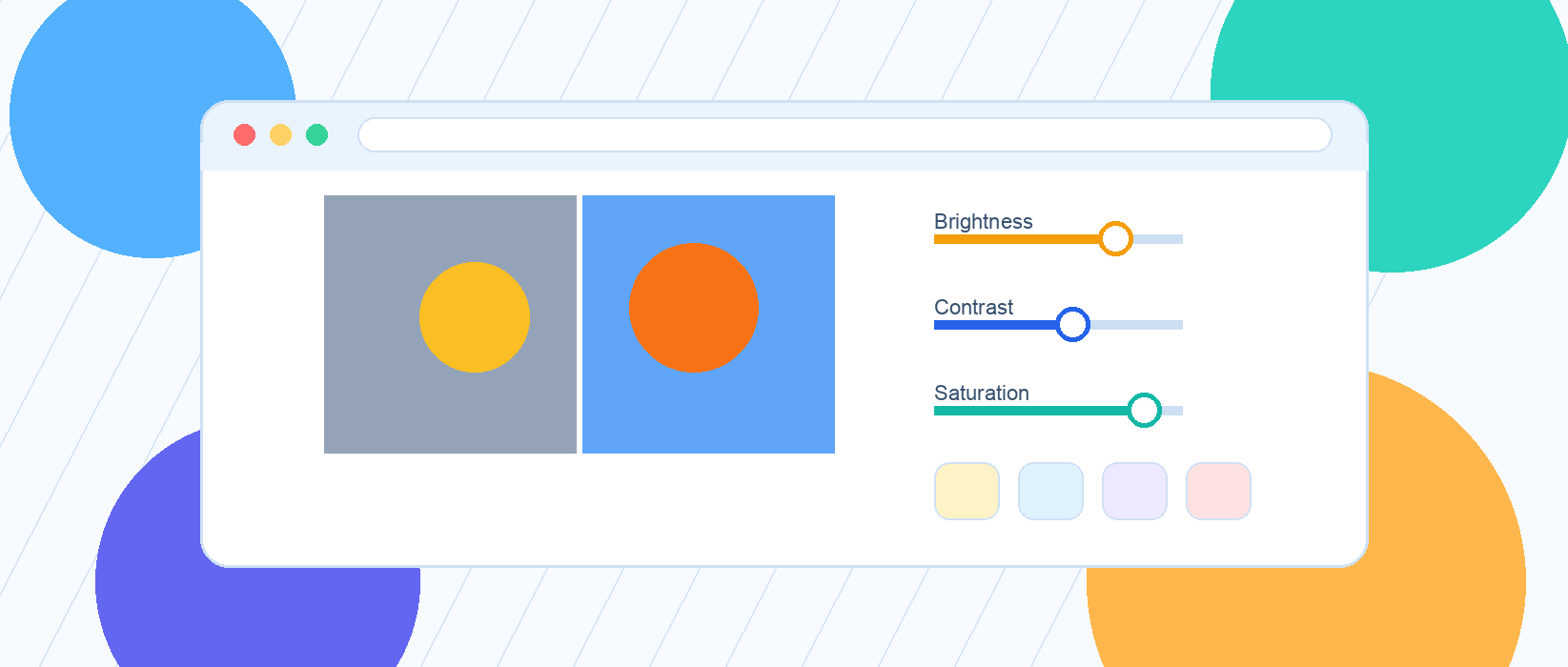
Improve the look of your footage or give it a distinctive visual style:
- Adjust Video Colors —— Fine-tune brightness, contrast, and saturation
- Video Filters —— Apply a polished look in one click
- Adjust Video Chroma
- Blur Video —— Blur sensitive details or the entire frame
- Add Video Border —— Frame your video for a more finished look
- Video Art Effects
- Video Style Effects
5. Edit Video Audio
- Mute Video —— Remove the original audio in one click
- Adjust Video Volume —— Turn loud audio down or boost quiet sound
6. Extract Frames and Convert Video to GIF
Capture a still image from a video or turn a short clip into an animated GIF:
- Extract Video Frames —— Save individual frames as images
- Convert Video to GIF —— Turn a video clip into an animated GIF
These tools require no download or installation. Just open the website or mini app and process your video in the cloud.
Bookmark this page now, and the next time you receive a video in an unfamiliar format, you will not have to hunt for software.