

Tool Interface Preview
Download Link Converter
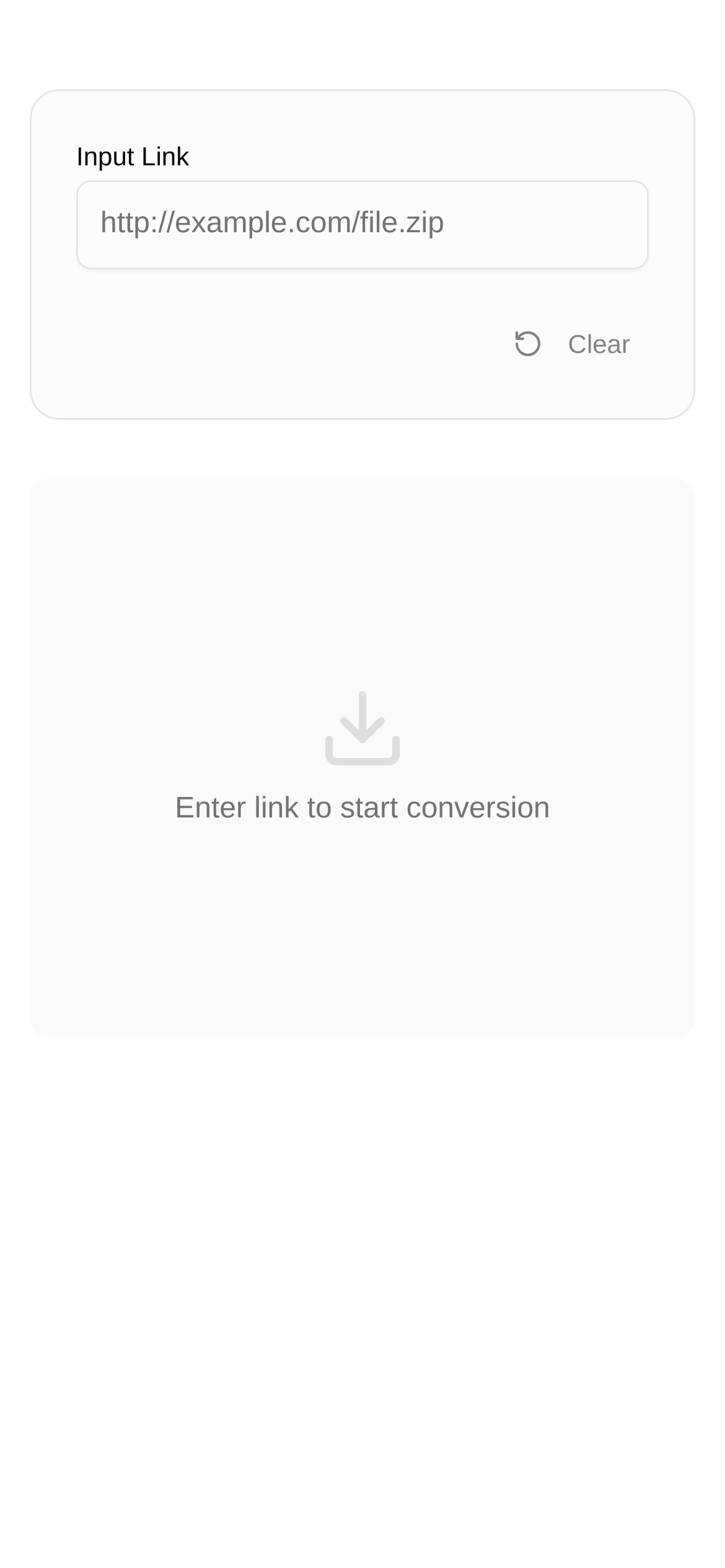
Have you ever experienced this frustrating moment? You spend ages searching, finally find the software, tutorial, or movie you've been looking for, eagerly click the download link, and... nothing happens? Or the download window flashes for a split second and disappears? Sigh, this is the inescapable "download curse" for anyone on the internet! Today, we're going to break down exactly what causes this headache-inducing "unresponsive download" issue, and give you a super practical set of tricks to ensure your future downloads go off without a hitch.
1. The "Hidden Rules" of Download Links: Deceptively Simple
Most of the download links we click look like ordinary HTTP or HTTPS links, right? But you might not know that to boost download speeds or support advanced features like resuming broken downloads, many download managers (like Thunder/Xunlei, FlashGet, QQ Xuanfeng, etc.) actually use their own proprietary download protocols. They "process" the standard HTTP/HTTPS links we see into an encrypted format that only they can understand.
So, when you click a standard link, but your browser or download tool can't recognize or process this "processed" encoding, the download naturally won't start. Makes sense now, doesn't it?
This is exactly why we need a "translator" tool—the "Download Link Converter". Its core function is to cleverly convert standard HTTP/HTTPS file links into the proprietary link formats understood by mainstream download software like Thunder, FlashGet, and QQ Xuanfeng. This way, your downloader can "understand" the command, and the download task will start seamlessly.
2. When Do You Need a "Download Link Converter"? You've Definitely Been Here!
So, in what specific situations are you most likely to need a handy tool like the Download Link Converter?
- Clicking with no response: This is the most direct sign! You click a download button or link, and the browser does nothing, or a blank little window pops up. That's highly likely a protocol mismatch. At this point, you'll definitely wonder: "How do I use this download link converter?"
- You're a loyal fan of a specific download tool: For example, you're used to using Thunder, IDM, or FDM, but the website only provides a standard HTTP link; or conversely, the site offers a Thunder-exclusive link, but you want to use a standard downloader. In these cases, a converter tool can easily solve the problem for you.
- You want to share resources with friends: If you love sharing resources, you definitely want everyone to be able to download them easily. Converting a standard link into multiple proprietary links allows more people to download using their preferred methods, instantly upgrading the experience!
- Your browser is sometimes too "helpful": For security reasons, browsers occasionally "block" direct download requests. By converting the link, you might just bypass these restrictions.
- Simply put, who needs a "Download Link Converter"? Anyone who runs into trouble while downloading and wants a smoother, more successful download experience should give this tool a try.
3. Step-by-Step Guide: Bring Your Downloads to Life!
Take the Download Link Converter for example, it couldn't be easier to use:
- Find the original link: First, locate the file you want to download and copy its HTTP or HTTPS download link. Usually, you just right-click the download button or link and select "Copy link address".
- Paste it into the converter tool: Open the Download Link Converter page and paste the copied link into the designated input box.
- Select the target format: The tool will give you several options, such as converting to a Thunder link, FlashGet link, QQ Xuanfeng link, etc. Choose based on the download software you use. If you're unsure, try the Thunder link first, as it's widely used.
- Click convert: Hit the "Convert" button, and the tool will instantly generate the converted proprietary download link for you.
- Start downloading!: Copy this converted link, then open your download software (like Thunder). Usually, the downloader will automatically detect the link in your clipboard and pop up a new task window. If it doesn't, you can manually select "New Task" in the downloader and paste the link in. Finally, click "OK" or "Start Download", and your task should begin smoothly!
4. Potential Pitfalls and Quick Reminders
Even with a converter tool, you might still run into minor hiccups during the download process. Understanding these "frequently asked questions about download link conversion" can help you troubleshoot better:
-
Converted but still can't download?
- The link itself is broken: The original download link might have expired, the file might have been deleted, or the server might be down. In this case, a converter tool can't save a "dead link".
- Network issues: Quickly check if your home network is working properly, or if a firewall or proxy setting is blocking the download.
- Downloader acting up: Try restarting your download software or updating it to the latest version. Some older versions of downloaders might not recognize the newest link formats.
- Resource provider restrictions: Some cloud drives or servers limit download speeds or the number of concurrent downloads, which can cause slow or interrupted downloads.
-
How does "Download Link Conversion" compare to other methods?
- Downloading directly with a browser: For simple HTTP/HTTPS links, browsers can indeed download them directly. But if the file is large, or you need to resume broken downloads or accelerate the speed, a dedicated download tool paired with a converted link is definitely better.
- Manually modifying links: Sometimes, you might hear that adding a prefix like
thunder://to the front of a link will convert it. But this requires you to understand protocol formats and is highly prone to errors, making it far less convenient and efficient than using a tool.
-
Quick security reminder: When using any download link converter tool, keep your eyes peeled and choose reputable platforms with no ads or malicious plugins, like our recommended Download Link Converter. Additionally, downloading files from unknown sources always carries risks, so stay vigilant and pay attention to where the files are coming from.
By mastering these little tricks, we believe you'll be able to easily tackle various download challenges in the future. You'll never have to worry about "why my download isn't responding" again, making your web surfing smoother and more efficient!